

A crypto wallet on an iPhone that's behind on updates can be emptied by an ad you never tap, according to a 20 November 2026 report from the ad-security firm Confiant, which tracked an operation it calls MoldyRoost buying ordinary ad space to deliver iPhone exploit kits built to find recovery phrases and wallet apps. The practical answer for most holders is short: update iOS today, get your recovery words out of Notes and your photo library, and keep the coins you're saving under keys that never sit on the phone at all.
Developing story, last updated 26 November 2026: this article was written on 26 November 2026 from Confiant's report. Still unconfirmed: whether any of the kits works against current iOS releases, how many phones were infected, and what was stolen. Confiant gives no victim count or loss figure, and we'll update this page as those details are confirmed.
What Confiant found in the iPhone exploit campaign
Confiant's researchers, Roshan and Eliya Stein, describe MoldyRoost as a malvertising operation: it buys programmatic ads, the kind that fill banner slots across everyday websites and apps, and hides an attack behind the landing page. In their words, "Just loading the landing page of a MoldyRoost ad on a vulnerable iPhone is enough to get infected." There's no fake download to accept and nothing to paste, which is what makes this harder to spot than a typical crypto scam.
The landing pages are cloaked, so only iPhones running Safari (and, for some parts of the campaign, in-app browsers) receive the exploit, while every other visitor sees a decoy or a blank page. Confiant tied more than 480 ad domains to the operation between 12 May and 17 November 2026 and says over 47 countries were targeted. The report also says MoldyRoost is separate from the Optimizely supply-chain attack of 16 November, even though both used the same exploit families.
Confiant's breakdown of the four kits:
| Kit | iPhones it targets, per Confiant | What it goes after |
|---|---|---|
| Coruna | iOS 13.0 to 17.2.1 (23 exploits in five chains) | Hooks wallet apps "such as MetaMask, Phantom and Trust Wallet," searches Apple's notes ("Apple Memos" in Confiant's wording) for recovery phrases and saved images for QR codes |
| DarkSword | iOS 18.4 to 18.7 | Messages from iMessage, WhatsApp and Telegram, the keychain, saved Wi-Fi passwords, location history and wallet data |
| SilkPath | No range given | Described in leaked code only as filling a gap after Coruna |
| GhostWave | Phones already patched against DarkSword, with a fallback file named for iOS 26.3 | Unclear; Confiant says, "We have seen no iOS 26 exploit code, and we cannot say whether any of these branches work" |
Confiant adds that the attackers' leaked commit messages also name Bitget Wallet, Tonkeeper and an OKX app, so the list of wallet apps in their sights is longer than the three in the table.
Is your iPhone exposed?
Your iOS version is the first thing to check, because every kit Confiant describes is matched to a range of versions. Open Settings, then General, then About, and compare the number with the table above. Apple's security releases page lists iOS 27.2.1 as the latest version, released on 9 November 2026, alongside iOS 26.7.3 and iOS 18.7.12 for phones on older lines, and Confiant says Apple had fixed all six DarkSword bugs by iOS 26.3.
What nobody has shown yet is whether GhostWave works against a phone that's fully up to date. Confiant hasn't seen the iOS 26 exploit code and says as much, so the reasonable reading is that there's no public evidence of a working attack on a fully updated phone, with the caveat that the attackers were clearly building for newer versions. If you're the kind of person who might be singled out, Apple's Lockdown Mode is built for that case; Apple describes it as "an optional, extreme protection" for people who "might be personally targeted," and it limits some websites and features to shrink what an attacker can reach. For a more general check of a phone you already suspect, our guide on how to tell if an iPhone is hacked walks through the signs.
What a phone infection can and can't reach
The useful question for a wallet holder is which of your secrets live on the phone. Anything stored there in readable form is within reach of a kit that takes over the device, while a key held on a separate device stays out of the phone's memory. This table sorts the usual setups:
| Where your crypto secret lives | Within reach of a kit like Coruna or DarkSword? |
|---|---|
| Recovery phrase typed into Notes or saved as a screenshot or QR photo | Yes. Confiant says Coruna searches notes for recovery phrases and saved images for QR codes |
| Phone wallet app such as MetaMask, Phantom or Trust Wallet | Yes, while the phone is compromised; Confiant names these apps as hook targets |
| Exchange login saved in the keychain or a signed-in exchange app | Possibly. DarkSword is described as taking keychain data, though Confiant doesn't report exchange account takeovers |
| Hardware wallet key | The key itself stays on its own device, but the phone app you use with it can still show you misleading information |
| Recovery words written on paper or metal at home | No, as long as no copy was ever photographed or typed into the phone |
That last row about hardware wallets matters. A hardware wallet protects the signing key, but an infected phone could still try to swap a receiving address or dress up a transaction, which is why the check has to happen on the device's own screen. A hardware wallet also doesn't patch iOS, and it does nothing for your messages, photos or saved passwords on an infected phone.
What to do this week
Work through these in order; the first three take less time than reading this article:
- Update iOS to the newest version your iPhone can run, and turn on automatic updates in Settings, General, Software Update.
- Search your phone for your recovery words. Look in Notes, your photo library (including screenshots and hidden albums) and any files app. Write the words on paper or stamp them in metal, then delete the digital copies.
- Decide whether a phrase may already be exposed. If your seed phrase sat in Notes or a photo on an iPhone running iOS 13 to 18.7, you can't prove it wasn't read. For a wallet holding more than spending money, create a new wallet and move the coins, because changing where the old words are stored doesn't undo a copy already taken.
- Keep only a spending balance in phone wallet apps. Phone wallets are convenient for small amounts, and the kits above were built to target them.
- Check every address on the device that signs. If you use a hardware wallet, read the receiving address and the transaction details on its screen, since the phone may be the part an attacker controls.
Where Ryder fits, and where it doesn't
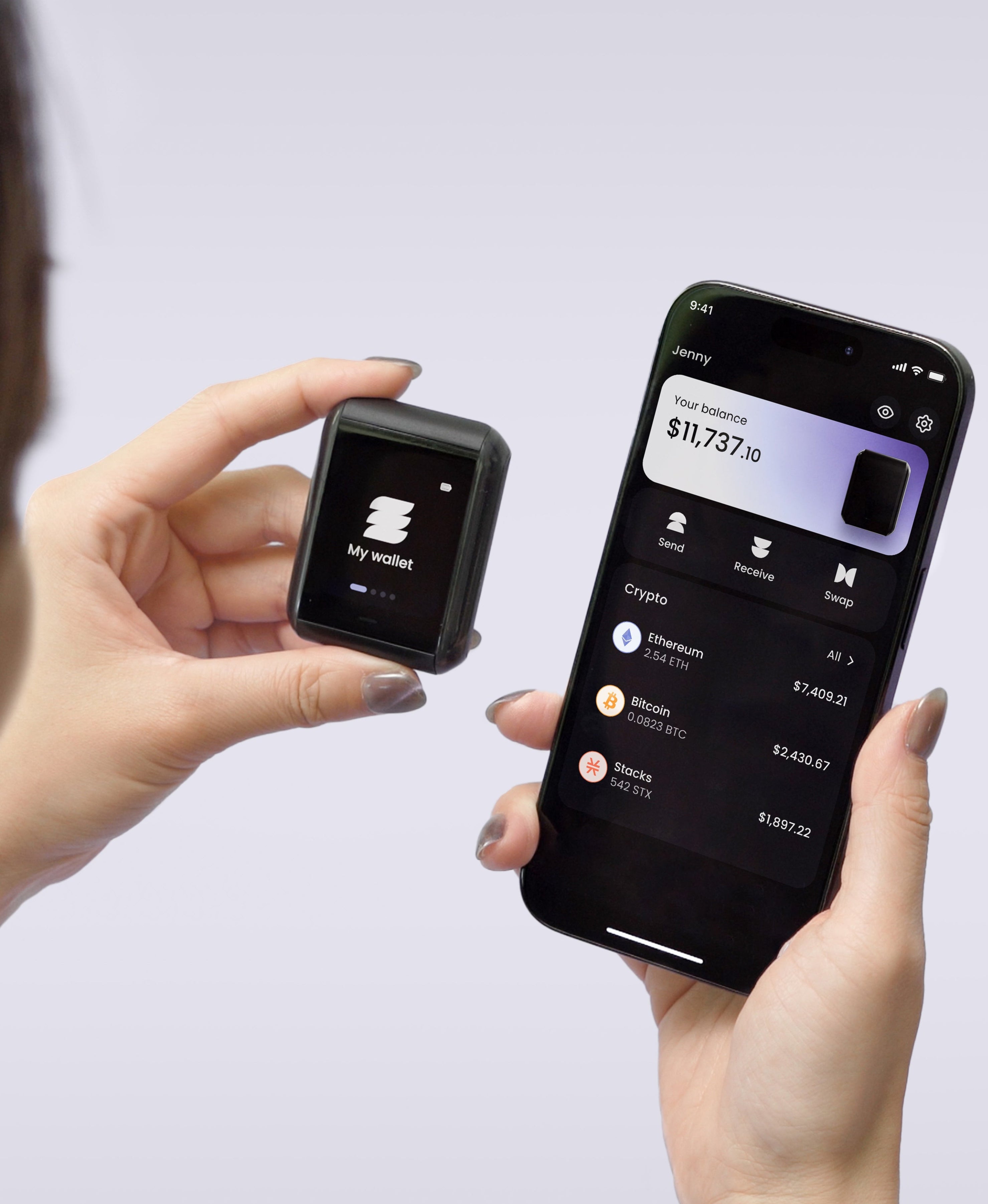
Ryder sells hardware wallets, which gives us an interest in this answer, and none of the five steps depends on owning one of ours. On the Ryder One, private keys are generated and stored inside an EAL6+ secure element and never leave it, the device talks to your phone over NFC only, and you can verify a receive address and every transaction on its own screen, as described in our Ryder One overview. That keeps the key out of reach of a phone kit, though nothing about it fixes an outdated iPhone, so step one still applies to you whatever wallet you pick.
For the background on one of these kits, our earlier explainer on what DarkSword takes from an iPhone covers how it works and the theft reports around it. MoldyRoost changes how the attack arrives, and that's the part a bought ad slot now hides.


Share: