

Last reviewed 7 November 2026. Ryder makes a hardware wallet, so weigh our advice accordingly.
If you're asking "is my iPhone hacked" because of the recent iPhone wallet thefts, the most useful check takes ten seconds: open Settings, then General, then About, and read the iOS version. The attack kits behind those thefts, DarkSword and its older sibling Coruna, only work on out-of-date iOS, and they're built to run without visible signs, so your version number tells you far more than battery life or a warm phone ever will. If your iPhone runs a version in the ranges below, treat it as possibly compromised, update it if you can, and move any crypto whose key or recovery phrase lived on it.
Check your iOS version against the known attacks
Google's Threat Intelligence Group has documented two iPhone attack kits that steal from crypto wallets after their owner does nothing more than load a web page. Coruna, published in March, works on iOS 13 through 17.2.1 and has been used by a financially motivated group to steal from crypto apps. DarkSword, published later the same month, works on iOS 18.4 through 18.7 and has since been turned toward wallet theft, with iVerify finding a variant in October that copies saved passwords, photos, Apple Notes and wallet app data.
Here is how to read your version:
- iOS 26.3 or later: Google says Apple had fixed every DarkSword bug by iOS 26.3, and Coruna doesn't work on current iOS.
- iOS 18.7.7: Apple says this update carries DarkSword protections for iPhones that stay on iOS 18, and it pushed the update to more devices on 1 April.
- iOS 18.4 through 18.7.6, or iOS 26 before 26.3: update now, and assume anything sensitive on the phone may have been read if you browsed on it while it was out of date.
- iOS 13 through 17.2.1: this is Coruna's range, so update if your phone allows it.
- iOS 17.3 through 18.3: outside both documented ranges, but still well behind the latest fixes, so update anyway.
If your iPhone can't update
Some phones are stuck. Apple's iOS 18.7.7 page lists the iPhone XR and XS as the oldest models it covers, and iPhones from before that, such as the iPhone 8 or iPhone X, stopped at earlier versions that sit inside Coruna's target range. Google's advice for a phone that can't take the update is to turn on Lockdown Mode under Settings, Privacy & Security, which switches off some of the web features these attacks depend on.
Lockdown Mode helps, but an aging phone is still a poor place to keep a wallet. If your daily phone can't reach a recent iOS release, keep crypto keys and recovery phrases off it entirely, and use it only for apps where a stolen password would be an inconvenience rather than a loss.
Signs that don't tell you much, and signs that do
Most "is my phone hacked" checklists point at battery drain, heat, slow apps or strange pop-ups. Those can mean many things, and the kits in the news were designed to avoid them: iVerify describes the October DarkSword variant as cutting its logging and on-device activity specifically to stay quiet. A phone that feels normal can still be compromised.
Better evidence sits in your accounts and on the blockchain. An unexpected small deposit of TRX, ETH or BNB in a wallet you didn't top up is a warning, because in Bitquery's investigation of an iPhone-linked theft ring the attackers sent victims a little TRX to pay fees seconds before emptying their USDT. Password-reset emails you didn't request, new devices signed into your Apple Account, or exchange logins from places you've never been all point the same way. For a direct check, iVerify suggests scanning with its iVerify Basic app and restarting the phone; neither undoes theft that has already happened.
What to do if you think it's hacked
Work from the outside in, starting with what an attacker could use next. Update iOS or turn on Lockdown Mode, then change the passwords that were saved on the phone, beginning with your Apple Account, your email and any exchange, and switch your exchange withdrawals to an authenticator app or passkey rather than text messages.
Then deal with crypto keys, which can't be changed the way a password can. If a recovery phrase was ever in your photos, screenshots, Notes or cloud files, or if a wallet app on the phone held its key there, create a new wallet on a clean, updated device, write the new phrase on paper or metal, and move your funds across. Deleting the original photo or note doesn't make the phrase private again, so the old wallet should be emptied and abandoned.
Keeping crypto safe on any phone
The pattern across these attacks is that anything stored on the phone is reachable once the phone falls. A hardware wallet keeps the key inside its own chip, so a hacked phone has no key to hand over, and it shows each transfer on its own screen before you approve it. That doesn't cover a phrase you photograph, and a compromised phone can still ask you to sign something you didn't intend, so the on-device check is the step that does the work.
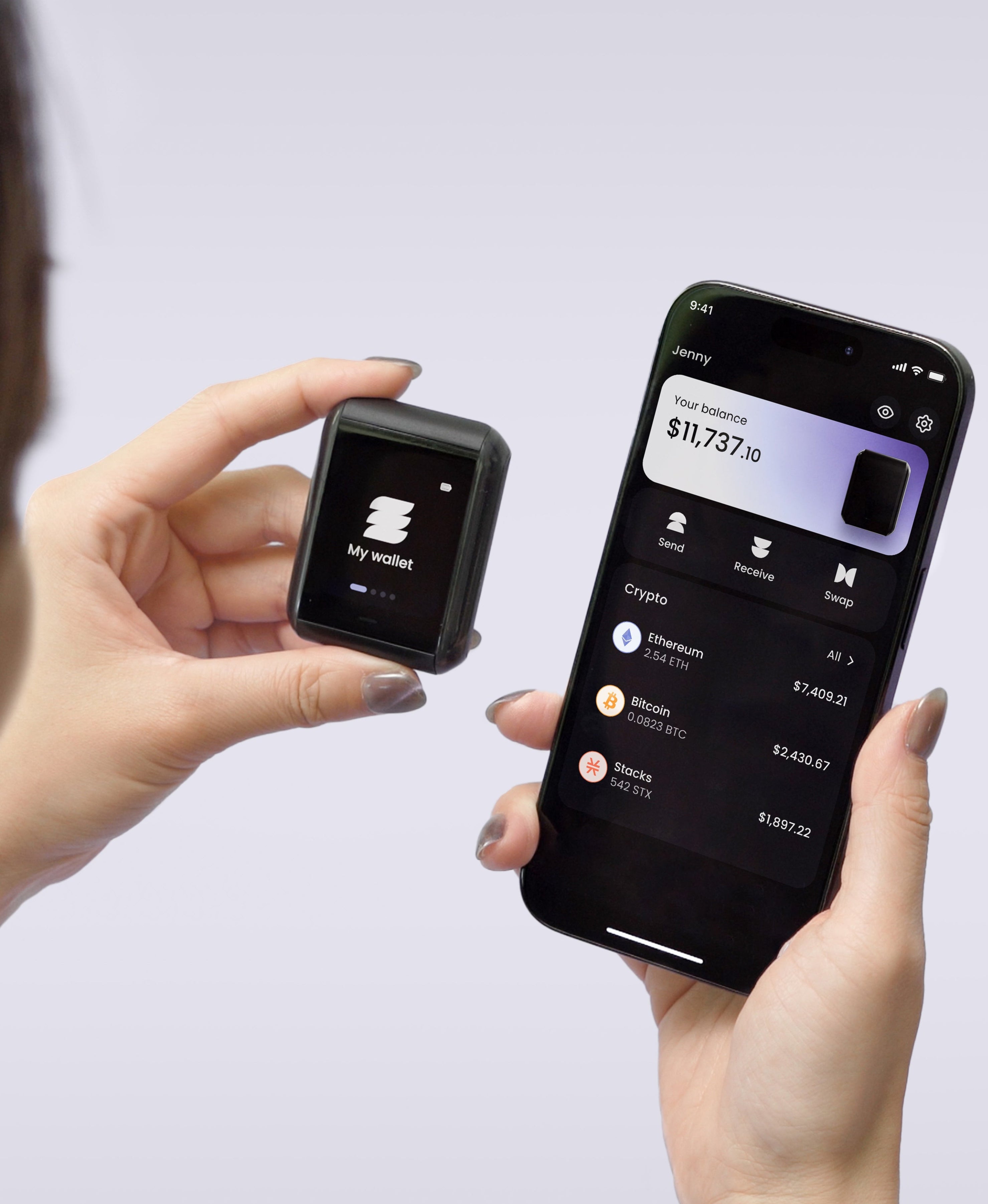
On Ryder One, the key is generated inside an EAL6+ certified secure element and never leaves it, the device talks to your phone only over NFC while you hold them together, and you confirm each transaction on its 1.6-inch AMOLED touchscreen. Its TapSafe Recovery backup means you don't need a written phrase for everyday recovery, which takes away the reason to keep one in Notes. If you're comparing devices, our checklist on your first hardware wallet covers what to look at, and our earlier piece on what an iOS exploit can reach in a phone wallet goes deeper on why the phone is the weak point.


Share: