

If you saw posts this week saying Ledger got hacked, here's what happened: on 16 November, malicious code reached ledger.com through Optimizely, a website testing tool used by hundreds of large companies, and for part of that day it could swap crypto addresses that visitors copied. Ledger devices, firmware and private keys weren't touched, and the attacker's wallets collected roughly 7,000 USD across every affected site. The bigger lesson of this Ledger hack scare applies to every wallet you might buy: the only address you should trust is the one on your hardware wallet's screen.
What happened on 16 November
Optimizely sells A/B testing, which lets a company show different versions of a page to different visitors. To do that, its customers load an Optimizely script on their sites. According to Optimizely's incident notice, an unauthorized party exploited a vulnerability in its Web Experimentation product and added malicious JavaScript to some customer projects, which meant 178 company websites served the attacker's code to their own visitors without changing a line of it themselves.
Security researcher Scott Helme of Report URI found and mapped the attack. Report URI's timeline puts the first injection at 04:21 UTC on 16 November, shows the attacker rebuilding the payload 26 times through the day, and records ledger.com as cleaned at 20:41 UTC, with every infected Optimizely file clean by 23:11 UTC. Other affected names included the BBC, CNN, Zoom, HSBC and Salesforce, plus five other trading and investment firms alongside Ledger, according to CoinDesk. Optimizely says it has fixed the vulnerability, removed the injected code and secured affected accounts.
What the code could do to visitors
The payload had several jobs, and only one of them was about crypto. Report URI found that it looked for valid wallet addresses on Bitcoin, Ethereum and other EVM chains, Solana, Tron, TON, Litecoin, Bitcoin Cash and Dogecoin, then replaced them with the attacker's own. It did this in page text and form fields, and also when you copied something to your clipboard, so an address copied while an infected tab was open could paste as somebody else's.
It also skimmed card numbers typed into a site's own payment forms, took cookies and screenshots, and on iPhones and iPads running iOS 18.6 or older it tried to deliver known iOS exploit kits. If you visited any of the 178 sites on 16 November, Report URI's advice is to check crypto transfers you made that day, watch your card statements, and update iOS to 18.7.3 or later (or 26.3 or later).
Was this a Ledger hack?
Ledger's own systems weren't the entry point; a supplier's were. Ledger's Donjon security team posted on X that the malicious code was no longer served through its website and that the incident "does not affect the security architecture of Ledger devices." Nothing in the public evidence suggests a Ledger device signed anything it shouldn't have, or that any recovery phrase was exposed.
The amount stolen so far is modest. Report URI counted about 7,040 USD received by the attacker's wallets on the evening of 16 November, and its per-wallet update the next day adds up to roughly 7,150 USD, most of it in bitcoin. Hudson Rock, another firm tracking the attack, told Help Net Security it hasn't linked those transfers to visitors of the affected sites. Card and cookie theft isn't in those numbers, because nobody outside the attacker can count it. Some viral posts claimed more than a million devices were affected; we couldn't find a source for that figure.
It still matters for anyone shopping for a wallet. Visiting a hardware wallet maker's site is a step almost every new buyer takes, often to copy an address or download an app, and this incident shows that the page itself can be changed by a company the visitor has never heard of.
Why the device screen is the check that matters
An address-swap attack works on the part of the process you can't verify by looking at your computer: the text between "copy" and "paste." Your browser, your clipboard and even the website are all things that malware can change. A hardware wallet keeps your private key offline and shows you the transaction it's about to sign on its own screen, which the website has no way to edit.
That protection only works if you read the screen. A hardware wallet will faithfully sign a payment to a swapped address if that's what you approve, because from the device's point of view the transaction is valid and your key is the one authorizing it. A few habits close the gap:
- Before approving, compare the full address on the device screen with the address from its original source, such as the receive screen of your own exchange account or the recipient's wallet app. Checking only the first and last few characters isn't enough against attackers who generate lookalike addresses.
- When you receive, display your receive address on the hardware wallet itself and give the sender that one, rather than an address copied from a web page.
- For a large transfer, send a small test amount first and confirm it arrived where you expected before sending the rest.
- Download wallet apps from the official app store listing rather than from a link on any website, including the maker's own.
Where Ryder fits
We make the Ryder One, a competing hardware wallet, so weigh our view with that in mind. Our site doesn't use Optimizely, but like nearly every online store it loads scripts from outside companies for analytics, email and payments, so the same kind of supplier attack could reach ryder.id. No wallet maker's website should be your source of truth for an address.
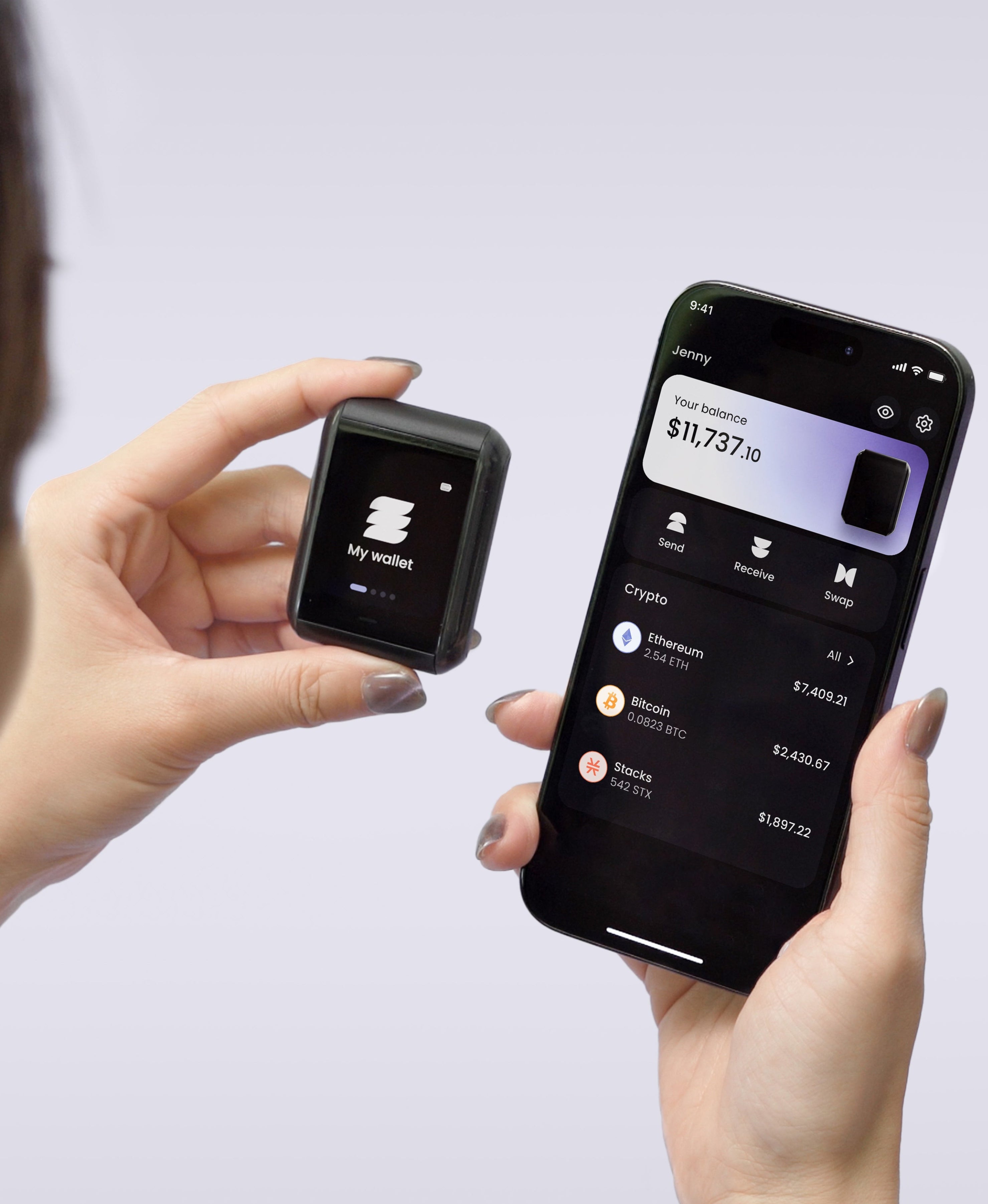
The Ryder One is built around that idea. It talks to your phone over NFC only, with no USB, Bluetooth or Wi-Fi, and there's no browser extension or desktop app for a web page to talk to. Every send shows the full recipient address and the amount on the device's touchscreen before you approve it. It won't catch a swap you approve without reading, and it doesn't screen addresses against scam lists, so the habits above still apply to our customers too.
If you're choosing a first hardware wallet after this week's news, the question to ask any maker is this one: where do I check the address before I sign? Our cold wallet explainer covers the basics, and the Ryder One product page shows how on-device verification works on ours.


Share: