

Plenty of people who use Crypto.com assume they have one account with the company. In practice there are two products with very different rules about who holds what, and the Crypto.com Onchain wallet is the half where the answer is you. Knowing which one your coins are sitting in changes what you should worry about, and most of the confusion we see starts right there.
We build hardware wallets, so we have a position in this. The aim below is to be precise about what Crypto.com Onchain does, including the parts it does better than people expect.
Two products, one brand, one large difference
The Crypto.com App is an exchange. Buy there and the company holds the keys, your balance is an entry in its ledger, and getting your coins back depends on the firm staying solvent and staying online. That model works until it doesn't, and the list of holders who learned the distinction the hard way is long enough by now that most people can name three examples without thinking.
Onchain is the other thing entirely. It is a non-custodial wallet where keys are generated on your phone and never sent to the company, which means self-custody with all the freedom and all the responsibility that carries. Crypto.com cannot freeze your funds, cannot seize them under a court order aimed at the company, and cannot get them back for you if you lose the recovery phrase. Nobody there has the keys to lose.
Moving coins from the App to Onchain changes who controls them, in a way the interface understates. It is worth understanding before you do it, because the safety net goes away at the same moment the counterparty does.
Where the Crypto.com Onchain wallet keeps your keys
Setup follows the pattern you would expect: download the app, create a wallet, set a passcode, and turn on biometric unlock if you want it. A 12-word recovery phrase is generated, and Crypto.com's own documentation describes it as a human-readable form of the master private key that every account key is then derived from. One phrase, every asset.
The wallet is mobile-only and refuses to install on a jailbroken or rooted handset, which the company explains as a defence against exactly the kind of device tampering that would expose your recovery phrase. That refusal is a sensible piece of engineering and worth crediting, since plenty of wallets shrug at it.
It also tells you where the security boundary is. A wallet whose keys live inside a phone inherits everything about that phone: the apps installed on it, the screen recordings running on it, the accessibility permissions handed to something a year ago. Encryption at rest protects a locked handset sitting on a table, and it does far less against code running as you, on a device you have already unlocked.
The Google Drive backup, and what it concentrates
Here is the detail most reviews skip. Inside Settings, Crypto.com Onchain offers to back up your recovery phrase to Google Drive, protected by a password you choose. Convenience is the point, and for a small spending balance that trade is defensible.
Think about what it does to the shape of your risk, though. Those twelve words are total authority over every asset in the wallet. Putting them in a cloud account means the whole balance now rests on the strength of one password plus the security of one Google login, which is a login that gets phished at scale, recovered through support flows, and attached to a phone number that can be ported away in a SIM swap. Anyone who reaches that file and cracks that password has everything, without ever touching your handset.
The alternative most guides recommend is a metal plate. Stamping the words in steel does solve fire, water and the bin bag your helpful cousin filled during the move, and it leaves your entire holding depending on one object surviving two decades unfound, which is an improvement on paper rather than an answer.
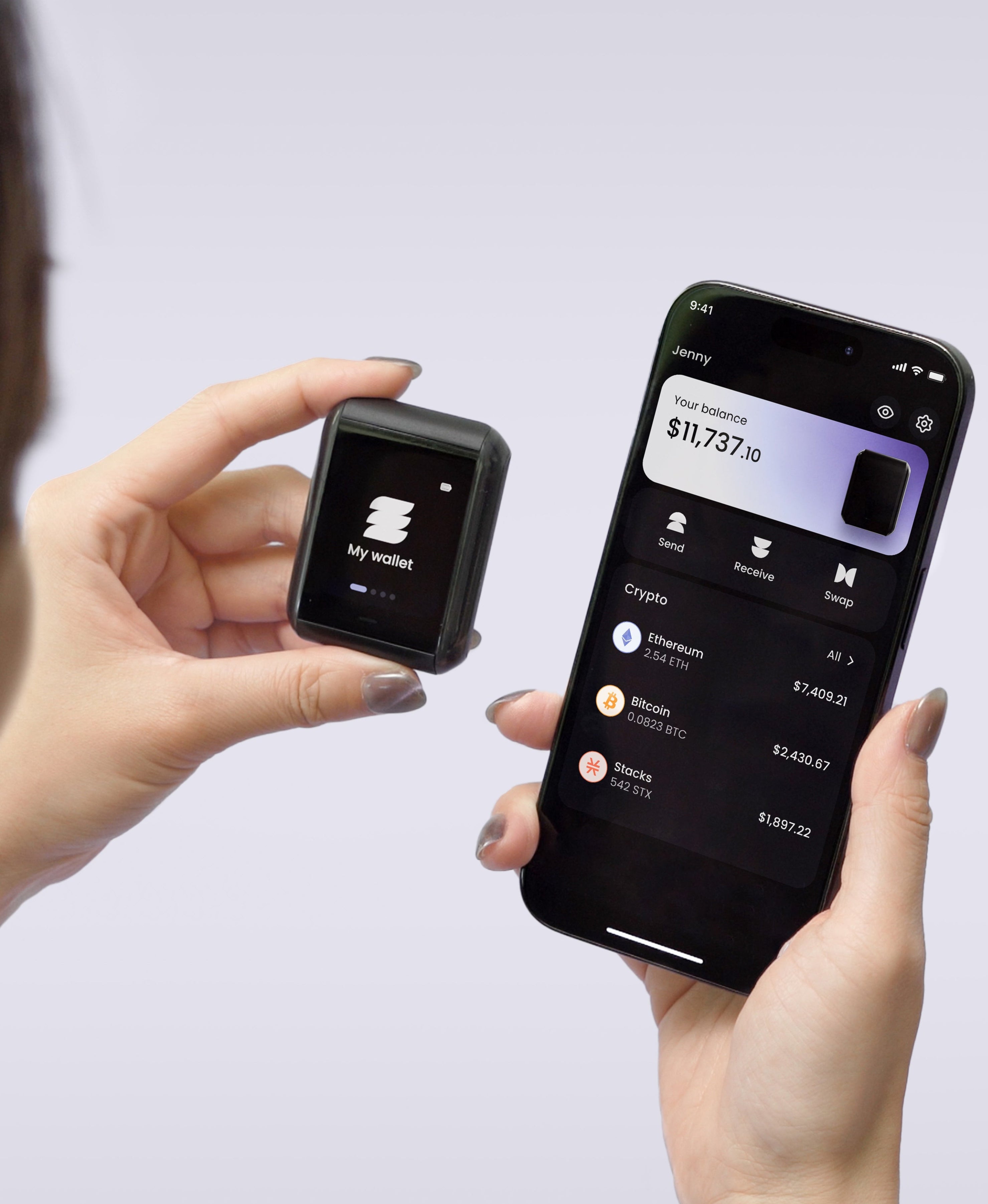
TapSafe Recovery was built to remove the single point of failure instead of hardening it. A Recovery Tag carries 50% of recovery, your paired phone carries the other 50% held encrypted in your iCloud or Google Drive rather than on the handset, and optional Recovery Contacts hold 25% each without learning anything about your wallet. The cloud is in that picture, and the difference is that it holds a share rather than the whole secret, so an attacker inside your Google account still cannot rebuild the wallet. It runs on our own implementation of Shamir's Secret Sharing. The BIP-39 seed phrase stays on the device as a last resort, so you can always walk to other hardware.
What signing on a phone leaves open
The second exposure has nothing to do with backups. When you approve a transaction in any hot wallet, the description you read comes from the same device that holds the key, so a compromised phone can show you one destination and sign another. Address-substitution malware has worked this way for years, and token approvals extend the problem across time, since a permission granted to a contract in March is still there in November doing whatever it was allowed to do.
Separating those two jobs is the whole argument for a hardware wallet. On Ryder One the private key is generated inside an EAL6+ certified Infineon secure element and never leaves it, the full transaction is rendered on a 1.6-inch AMOLED touchscreen you read on the device, and the confirm button is wired directly to that chip so no software path can sign without a press. Receive addresses can be verified on the hardware before you give one out. Communication is NFC only, with no USB data path, no Bluetooth and no Wi-Fi, so the chip is reachable when you tap it and at no other moment.
So is it safe
For what it is, the Crypto.com Onchain wallet is a reasonable non-custodial wallet, and choosing it over leaving everything on the exchange is a step in the right direction. The keys are yours, the company has structured it so it cannot reach them, and the jailbreak check shows someone was paying attention.
Judged as the home for savings you expect to still hold in five years, it carries the two limits every phone wallet carries, and the cloud backup option quietly makes one of them sharper. If you stay, skip the Google Drive route, write the words down and keep them somewhere that does not depend on a single location surviving. If you are choosing now, the question is whether your long-term holdings should live on the same device you use for everything else.
Ready to move the keys off your phone? Get your Ryder One for 149 USD.
Meta description: Is the Crypto.com Onchain wallet safe? How it differs from the exchange app, where your 12 words end up if you use the Google Drive backup, and what that risks.
Target keyword: crypto com onchain wallet


Share: