

There are five types of crypto wallets in common use, and you can sort every one of them with two questions: does someone else hold the keys, and do those keys sit in a device that is connected to the internet. Answer both and the category falls out, along with most of what you need to know about how it can fail. The marketing names change every year while those two questions have stayed the same since the beginning.
The two questions behind the whole list
The first question is custody. With a custodial wallet the platform manages your keys, and the test is whether a password reset can get you back in. Coinbase puts it plainly in its own help pages: if you can recover access by contacting the platform or resetting your credentials, it's an exchange, and if you received a recovery phrase during setup and control your own private keys, it's a self-custody wallet.
The second question is exposure. A hot wallet keeps your keys in an environment that goes online, usually a phone or a laptop. A cold one keeps them in something that has no general-purpose connection to the internet at all. Both questions matter independently, which is why an exchange keeping customer funds in its own cold storage still leaves you holding a claim rather than a key.
1. Exchange accounts
The default starting point for almost everybody. You sign up, verify your identity, buy coins, and the platform holds them. Support exists, a forgotten password is survivable, and the balance you see is an entry in the company's ledger saying it owes you.
Best for: Buying, selling, and short-term balances you are actively trading.
Trade-off: You inherit the company's problems. Withdrawal freezes during incidents, insolvency turning your balance into a creditor claim, and account restrictions during compliance reviews all reach you without your doing anything wrong.
2. Mobile and desktop wallets
Apps that generate and store keys on your own device, then give you a recovery phrase. MetaMask, Phantom, Exodus and Trust Wallet are the names most people meet first. You control the keys, and they live on hardware that also runs your browser, your email and whatever you installed last week.
Best for: Everyday amounts, frequent transacting, and connecting to apps on-chain.
Trade-off: The keys are only as isolated as the device, so malware and a convincing approval request both reach them. Keep the balance to what you would be irritated rather than damaged to lose.
3. Browser extension wallets
The same idea as a mobile wallet, moved into the browser so that websites can request signatures directly. That convenience is the point, and it is also the exposure: the wallet sits in the one piece of software you use to visit unfamiliar pages.
Best for: Active use of decentralized apps, trading venues and mints.
Trade-off: Phishing pages and malicious extensions aim at this category more than any other, and an approval you misread can drain a wallet in a single transaction.
4. Hardware wallets
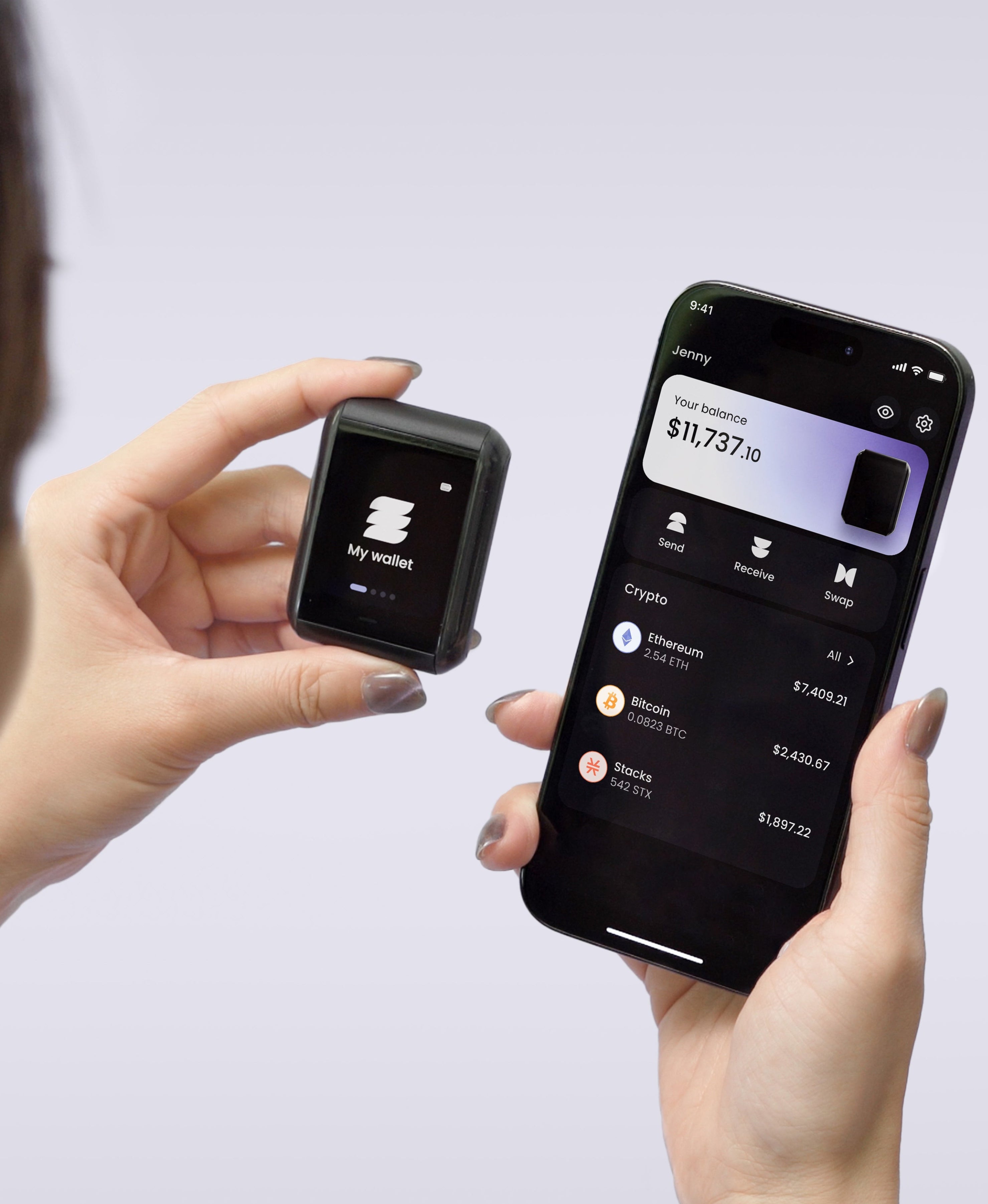
A dedicated device that generates keys inside a chip and keeps them there, signing transactions internally so the keys never reach your phone or computer. Some connect over a wired USB port, some over Bluetooth, some over NFC, and some stay fully air-gapped using QR codes or an SD card.
Best for: Savings you intend to hold, and any balance large enough that losing it would change your year.
Trade-off: It costs money, it adds a step to every transaction, and the recovery backup becomes the thing you have to get right. A hardware wallet protects keys well and does nothing about a backup you never made.
5. Paper wallets
A private key and an address printed onto paper, usually by a website. It was a popular approach in the early years and the Bitcoin Wiki now describes it as an obsolete and unsafe method of storing bitcoin which was popular between 2011 and 2016, with a large number of downsides, and says it should not be used. The failure modes stack up: the printer and the generating computer both see the key, the paper degrades, and spending from one tends to expose the whole balance.
Best for: Nothing we would recommend today.
Trade-off: If you hold one, the sensible move is to sweep the balance into a modern wallet and retire the paper.
Side by side
| Type | Who holds the keys | Keys online | Best for | Main risk |
|---|---|---|---|---|
| Exchange account | The platform | Platform's systems | Buying and active trading | Freezes, insolvency, restrictions |
| Mobile or desktop wallet | You | Yes | Everyday amounts, on-chain apps | Device compromise, bad approvals |
| Browser extension | You | Yes | Dapps and trading venues | Phishing and malicious extensions |
| Hardware wallet | You | No | Savings and larger balances | Backup you did not set up properly |
| Paper wallet | You | No, but exposed at creation | Obsolete | Key exposure, decay, address reuse |
What about MPC and smart contract wallets
Two newer designs sit awkwardly across the list. An MPC wallet splits a key into shares held by different parties so no single one can sign alone, and a smart contract wallet puts the rules for spending into on-chain code that can add recovery paths or spending limits. Both can be arranged custodially or not, which is why they do not form a sixth category so much as a different way of building the first four. Judge them by the same two questions.
Which of the five types of crypto wallets fits you
Most people end up with two, and that is the right answer rather than a compromise. An exchange account for buying, a self-custody wallet for holding, and a deliberate line between them covers how almost everyone uses crypto in practice. The split that matters is how much sits in the convenient place.
If you are moving from an exchange to your own keys for the first time, the decision that deserves your attention is not which brand to buy but what your backup will look like a year from now. Most devices hand you a seed phrase and leave it there, a single object that has to survive everything.
We built the Ryder One with that gap in mind. TapSafe Recovery spreads your backup across a Recovery Tag worth half of a recovery, your paired phone worth the other half with its share encrypted in your own iCloud or Google Drive, and optional Recovery Contacts worth a quarter each who can see nothing about your wallet. Any combination reaching a full recovery works, so a lost phone or a lost tag is an inconvenience rather than the end of the story. The seed phrase stays viewable on the device as a fallback and follows the BIP-39 standard, so nothing locks you to our hardware.
Work out which of the five types you are using right now, then decide whether the amount sitting in it matches the risk that type carries. That one comparison tends to settle the question faster than any feature list.


Share: