

Yes, a Ledger can work as a cold wallet, because its private keys are created and kept inside the device and every transaction is signed there before anything reaches the internet. Ledger's own guide adds a condition that most buying advice skips: a Ledger cold wallet stays cold only for the accounts you hold and don't use to sign approvals, and how cold the whole setup is depends on which model you buy, how it connects, and whether you add an online backup service. If you're moving crypto off an exchange for the first time and Ledger is on your shortlist, those three choices matter more than the label on the box. We make a competing wallet, the Ryder One, so read our comparison at the end with that in mind; everything about Ledger below comes from Ledger's own pages.
What "cold" means, and why Ledger says it isn't automatic
A cold wallet keeps your private key somewhere the internet can't reach. A hardware wallet is the most common way to do that, and the two terms get used as if they mean the same thing.
Ledger draws a line between them. In its guide to hardware wallets and cold wallets, updated in June 2026, Ledger describes a hardware wallet as a device that stores keys and signs transactions offline, while a cold wallet is one that doesn't connect to any outside source. The same guide says both can live on one Ledger, and that only an inactive account that never signs anything is fully safe. Its reasoning is that each signature agrees to whatever the transaction says, so an account you use to approve apps carries more risk than one you only send from and receive into.
For a first-time buyer, that turns into one habit worth setting up on day one. Keep your savings in an account you only use to receive and occasionally send, and do anything involving apps, swaps or token approvals from a second account with a smaller balance.
How each Ledger model connects
The key never leaves the chip on any current Ledger, but the cable or radio that carries the transaction to your phone or laptop differs by model. Ledger's comparison page lists the following, checked on 19 November 2026.
| Model | How it connects | Secure element rating | Battery |
|---|---|---|---|
| Nano S Plus | Cable only | CC EAL6+ | None |
| Nano X | Cable and Bluetooth | CC EAL5+ | Up to 5 hours of use |
| Nano Gen5 | Cable, Bluetooth and NFC | CC EAL6+ | Up to 10 hours of use |
| Flex | Cable, Bluetooth and NFC | CC EAL6+ | Up to 10 hours of use |
| Stax | Cable, Bluetooth, NFC and Qi charging | CC EAL6+ | Up to 10 hours of use |
Bluetooth doesn't send your keys anywhere. Ledger's design has the device sign inside the secure element and pass only the signed transaction to the app, which is the same thing a cable does. What a radio adds is one more channel for an attacker to probe, so some buyers prefer a cable-only device for long-term storage, and others decide the convenience of signing from a phone is worth it. Both positions are reasonable, and the Nano S Plus is the only current Ledger without wireless if that's the trade-off you care about.
The screen check that keeps it cold
A Ledger's screen protects you only when you read what it shows before you press approve. Malware on a computer can change the address an app displays, but it can't change what the device's own screen shows, because that comes from inside the device.
This week gave a live example. On 16 November 2026, attackers broke into Optimizely, a testing tool used by many large websites, and injected code that swapped crypto addresses on pages including Ledger's site, according to Decrypt's report. Reported losses across all affected sites were small. The fix for that kind of attack is the same on any hardware wallet: compare the full address on the device screen with the address you meant to send to, and confirm a receive address on the device before you share it.
Where Ledger Recover fits
Ledger Recover is the one Ledger feature that moves part of your backup online, and it's optional. According to Ledger's Recover page, the subscription encrypts your key, splits it into three fragments held by Coincover, Ledger and EscrowTech, and needs two of the three to restore access. Signing up requires a passport or national ID, and US buyers can also use a driver's license.
If you never turn it on, your Ledger backup stays the 24-word seed phrase you write down at setup, and keeping that sheet safe is your job. If you do turn it on, you trade some of the "nothing online" idea for protection against losing the sheet, and you add an identity check to your recovery. That's a choice some people make with their eyes open, and it doesn't change how the device signs.
Three questions to ask about any cold wallet
Whichever brand you're weighing, you can grade how cold a setup is with three questions:
- Where is the private key created and stored, and can it ever be exported from the device?
- What carries the signed transaction to your phone or computer: a cable, Bluetooth, NFC or a QR code?
- Where does your backup live, and does any part of it touch a cloud account or a company?
A Ledger answers the first question well on every model. The second depends on the model you pick, and the third depends on whether you use Recover.
How Ryder One answers the same questions
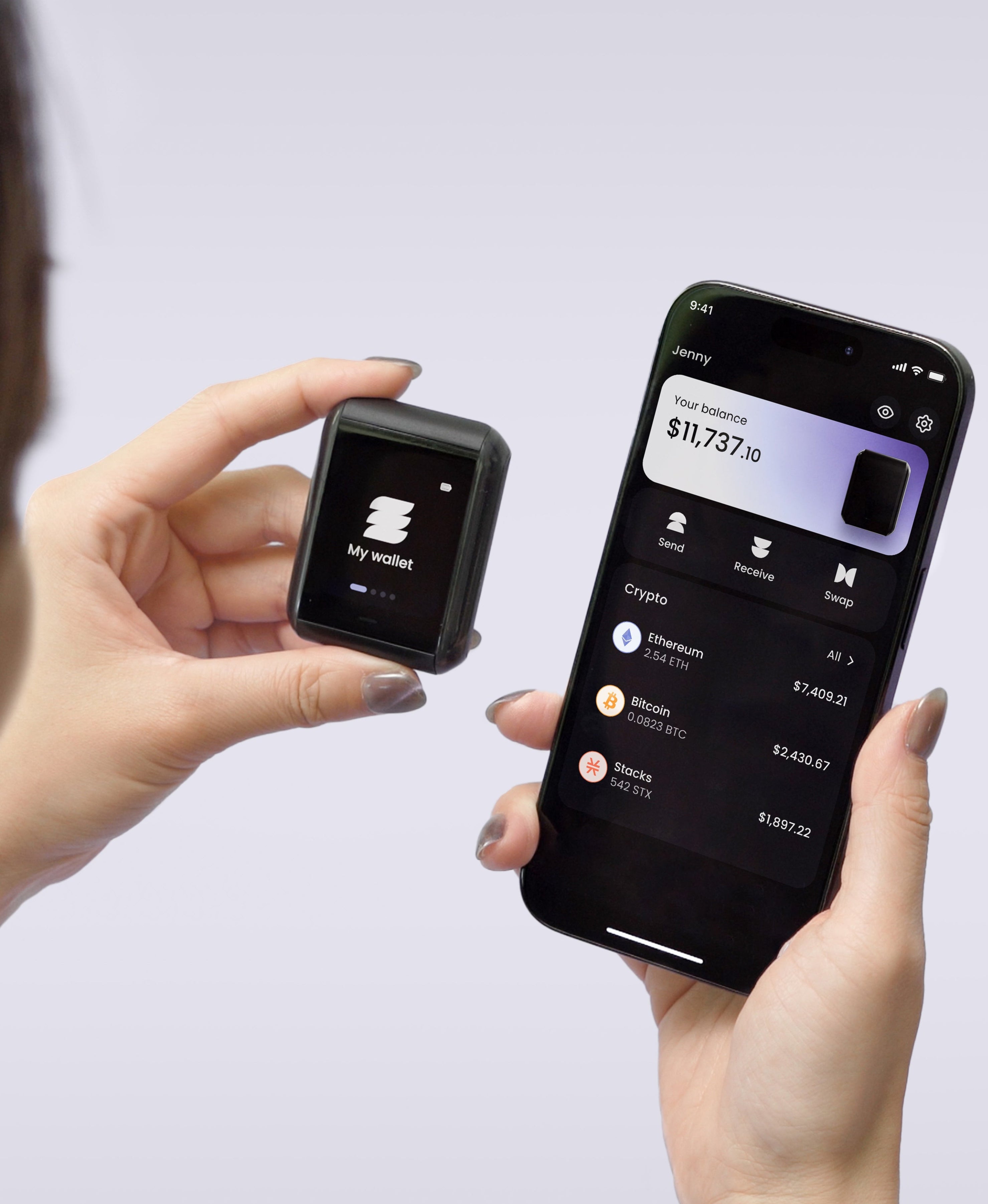
We built the Ryder One around NFC as its only connection, with no USB data port, Bluetooth or Wi-Fi, so the device talks to your phone only when you tap the two together. Keys are generated inside an EAL6+ secure element and every transaction is shown on the device's screen before you approve it.
Our backup makes a trade-off too, and it's fair to name it. TapSafe splits recovery into encrypted pieces: one on a waterproof NFC Recovery Tag, one stored in your own iCloud or Google Drive, and optional pieces with people you trust. No single piece unlocks the wallet, Ryder doesn't hold any of them on its servers, and the seed phrase stays viewable on the device if you ever want a paper copy. If you'd rather keep every part of your backup offline, a cable-only wallet and a seed phrase on metal is a sound choice, and so is a Ledger used the way its own guide suggests.
The short answer
A Ledger is a cold wallet when the account holding your savings stays offline, you read the device screen before every approval, and you decide on purpose whether an online backup belongs in your setup. If you're still choosing between devices, our guide on what TapSafe does explains how a backup without a paper-only phrase works, so you can compare it side by side with Ledger's approach.



Share: