

How long does Coinbase hold funds after a bank deposit? Coinbase says it requests the money from your bank within three to five days of the deposit, and until that cash arrives, the crypto you bought with it can be traded on Coinbase but can't be sent to an outside wallet. There's no single fixed period, because the length depends on your account history and payment activity, so the date that counts is the one in the confirmation email Coinbase sends after each purchase or deposit. If you want to move coins to a hardware wallet the same day, Coinbase's advice is to fund the purchase with a debit card instead.
What a Coinbase hold blocks, and what it doesn't
When you add cash from a bank account, Coinbase credits the amount right away, so you can buy, sell and trade crypto with it immediately. According to its help page on funds on hold, the hold comes off once your bank has processed the request and Coinbase has received the money, and that page also says the hold can't be shortened because of banking regulations.
Coinbase's guide to your available balance spells out the limits during that window. Crypto bought with cash that's still on hold can be sold or traded on Coinbase, while sending that crypto off the platform, trading DEX assets and buying prediction market contracts all wait until the hold lifts; cashing the money back out waits too. For anyone planning a first transfer to their own wallet, the ban on sending is the one that bites.
How long does Coinbase hold funds, and what sets the length?
Coinbase doesn't publish one number for every customer. Its help center says hold periods depend on factors such as account history, payment activity and transaction history, so two customers making the same deposit on the same day can see different release dates. The two figures it does publish describe the bank side: the funds-on-hold page says Coinbase requests your cash within three to five days of the deposit, and its page on purchase and deposit times says bank transfers such as ACH and wires typically take one to three business days to settle, with delays if your bank runs its own checks.
The hold itself ends at a specific time. Coinbase says holds typically expire by 11:59 PM Pacific time on the date listed in your email, that they can be extended if a transaction is disputed or to protect the account, and that Coinbase Support can't reduce them. Debit card purchases work differently, since Coinbase says that depositing with a debit card lets you send crypto immediately, so check the fee shown on the preview screen and compare it with a bank transfer before you choose.
How to see when your hold ends
Coinbase sends a confirmation email after each purchase or deposit stating when the assets will be available to transfer, followed by a second email once they are. Inside the app, start a send of the asset you want to move and tap the Available tooltip, which shows how much you can transfer right now. On the web, that figure sits under Cash, then US Dollar, then See Balance Summary.
The hold is over and you still can't send
Coinbase notes that sends and withdrawals can be temporarily restricted even after a deposit hold clears. Its available-balance page says that if the app shows a temporary restriction, you can wait and try again later or withdraw the cash to the bank account it came from.
A restricted account is a separate situation. Coinbase's page on being unable to send from a restricted account says it sometimes restricts accounts to prevent losses from irreversible transactions, and that the app or website will list the steps you need to complete, such as identity verification. During a review you can usually still convert crypto to cash and withdraw it to a verified bank account, although finishing the steps doesn't guarantee the restriction comes off.
Frozen funds are rarer still. Coinbase's help article on account restrictions says it freezes funds only when a court or other authority orders it to or when sanctions law requires it, and that even a closed account can send its remaining crypto to an external wallet.
Planning your first move to a hardware wallet
The hold doesn't have to slow you down if you plan around it. If you buy with a bank transfer, note the date in Coinbase's email and use the days before it to set up your wallet, write down or test your backup, and get familiar with the receive screen, because the send itself is quick once the coins are free. If you need the coins off Coinbase sooner, a debit card purchase avoids the wait.
When the date arrives, start with a small test send. Copy your wallet's receive address into Coinbase, check it against the address shown on the wallet itself, confirm the network matches the asset, and send the rest only after the test shows up. Our step-by-step guide on how to move crypto from Coinbase to a cold wallet covers each screen, and our explainer on address-substitution attacks shows why checking the address on the device matters.
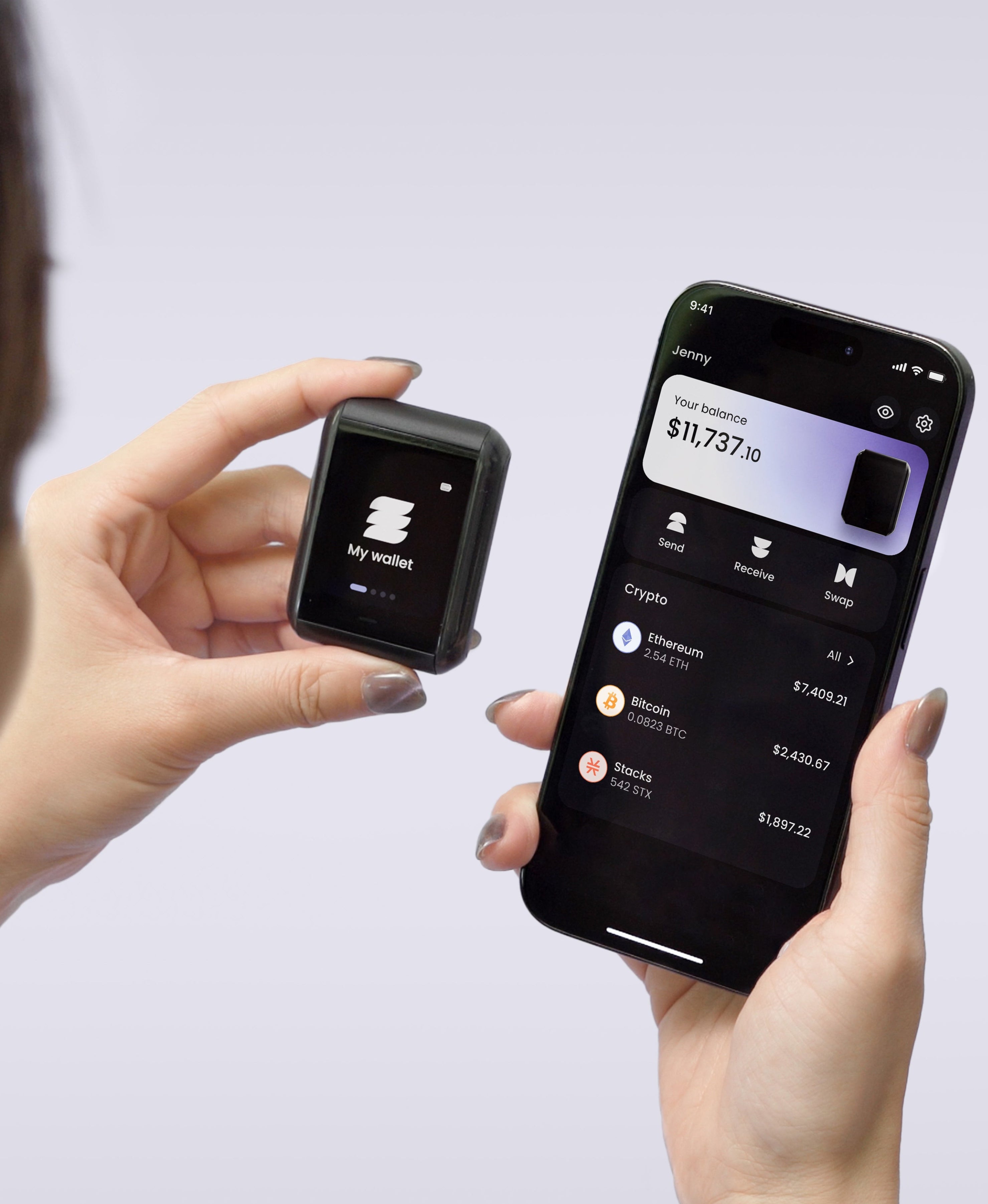
If you're still choosing a wallet, the Ryder One can show its receive address on its own screen, so you can confirm the address Coinbase will send to before you approve anything. Setup takes under a minute by tapping your phone and a Recovery Tag, which fits comfortably inside a hold window, and the Starter Combo was 149 USD on ryder.id when we checked on 22 October 2026.



Share: