

Last week, over 50 people lost a combined $9.5 million in crypto. Not from a sophisticated protocol exploit and not from a zero-day vulnerability…from an app on the Apple App Store.
We want to break down exactly what happened, why it worked, and what the crypto community should take from it.
What Happened
Between April 7 and 13, a fraudulent app called Ledger Live appeared on Apple's App Store. It looked legitimate. It had the right name and passed Apple's app review process. Users searching for the official Ledger Live companion app downloaded it without suspicion.
Once inside, the app prompted users to enter their 24-word recovery phrase to "connect" or "restore" their wallet. The moment they did, attackers had everything they needed. Wallets were drained instantly across Bitcoin, Ethereum, Solana, Tron, and XRP.
According to ZachXBT, three individual victims lost seven-figure sums. One victim, a musician who had accumulated his savings over a decade, lost 5.92 BTC in an instant while setting up his Ledger on a new computer. The stolen funds were routed through more than 150 deposit addresses on KuCoin and laundered through a centralized mixing service called AudiA6.

Apple's ecosystem is generally well-run and its review processes catch a lot of bad actors. This is not an argument that app stores are categorically unsafe. Incidents like this expose a structural gap: app store review was not designed to evaluate whether a crypto app's UX is engineered to steal keys.
Until that changes, people cannot outsource their security judgment to platform gatekeepers. The responsibility sits with you. Which is uncomfortable, but it is true.
Apple has since removed the app. But the damage is done, and the questions it raises need to be addressed.
How the Attack Actually Worked
Ledger's hardware device was not compromised. The attack never touched the secure element inside the physical wallet. The Ledger hardware did exactly what it was designed to do.
The attack exploited something else entirely: the gap between the device and the user's understanding of how recovery phrases work.
Here is the core mechanic:
A hardware wallet generates a recovery phrase during setup. This phrase is the master key to your wallet. It exists independently of the hardware device itself. If you ever lose the device, the recovery phrase lets you restore your wallet on any compatible software or hardware.
That portability is by design, but it also means the phrase has power outside the device. If you type it anywhere, that phrase is no longer a secret.
The fake app exploited exactly this. It presented a believable interface, created a familiar-looking flow, and asked users to do something that felt reasonable in context: enter your phrase to connect your existing wallet. The phrasing was engineered to feel like a routine setup step. It was not.
Why App Stores Are Not a Security Layer
This is the part that should concern everyone in the industry.
Apple's App Store is widely trusted. The review process creates a strong perception of safety. Users reasonably assume that if an app made it onto the App Store, it has been vetted.
That trust is exactly what attackers exploited here.
App store review processes are not designed to catch sophisticated social engineering attacks. They check for malware in the traditional sense, API violations, and policy breaches. They are not equipped to evaluate whether an app's UX flow is designed to manipulate users into handing over cryptographic keys.
This is not the first time this has happened. In 2023, a fake Ledger app slipped through Microsoft's store review process and led to roughly $600,000 in losses. The same attack vector. The same mechanic. Different platform.
The pattern is clear: as long as recovery phrases need to be typed somewhere, attackers will build convincing interfaces to capture them. App store distribution just makes the convincing part easier.
The Human Layer Is the Attack Surface
Every post-mortem in crypto security eventually lands on the same conclusion: the weakest point in any system is the human layer.
At the device level, hardware wallets are meant to protect the private keys. The secure element architecture used in modern hardware wallets makes direct extraction of keys extraordinarily difficult. Attackers know this, so they do not attack the device.
They attack the moment the user believes they need to type their recovery phrase into something.
Social engineering at this level is sophisticated. The fake Ledger app did not ask users to send crypto to a random address and it did not promise returns. It simply looked like a product they already trusted and asked them to complete a familiar-seeming step. One victim noted he had been in crypto since 2017. These attacks catch experienced users off guard because they are designed to. The attack was more cognitive than technical.
What This Means for Crypto Security
Hardware wallets are exceptionally good at protecting private keys at the device level. However, the recovery phrase model, as it exists today, creates a predictable vulnerability: a moment where the user must interact with their master key, and where bad actors can position themselves to intercept.
The fundamental challenge of self-custody has always been this. The features that make a wallet recoverable also create attack surface. This makes your recovery phrase powerful because it works everywhere.
Designing recovery systems that reduce user exposure to that moment, without sacrificing genuine recoverability, was one of the most important unsolved problems in wallet security. Incidents like this one make this clearer every time.
What You Should Do Right Now
If you use any hardware wallet, these practices are non-negotiable:
Never enter your recovery phrase into any app, website, or computer. Your recovery phrase should only ever be used to restore a wallet through the official processes on a trusted device. If any application, regardless of where you downloaded it from, asks you to enter your recovery phrase to "connect," "sync," or "restore" your wallet, stop immediately. That is not a legitimate flow.
Always download wallet software directly from the manufacturer's official website. Do not search for wallet apps in app stores. Type the URL directly. Bookmark it. This applies to every hardware wallet brand.
Treat your recovery phrase like cash. The physical piece of paper or metal where you store your recovery phrase should never be photographed, typed, or shared with any digital interface unless you are performing a deliberate recovery on a device you fully control and trust. If you don’t want to do this, use an alternative, like TapSafe technology instead.
Verify before you act. If something prompts you to enter your recovery phrase and you were not expecting it, slow down. Search the manufacturer's official support channels. Ask in verified community spaces. A few minutes of verification is worth infinitely more than the cost of acting fast.
Keep your recovery phrase offline. Steel backup solutions exist for a reason. Paper degrades, burns, and floods. If your recovery phrase only exists on paper, consider a more durable storage method.
Learn how you can take your existing seed phrase and upgrade it with TapSafe Technology.
How TapSafe Changes the Equation
The root cause of this attack was simple: the user had to touch their recovery phrase. They had to think about it, locate it, and type it somewhere. That moment of interaction is the attack surface.
TapSafe is how we approach that problem at Ryder.
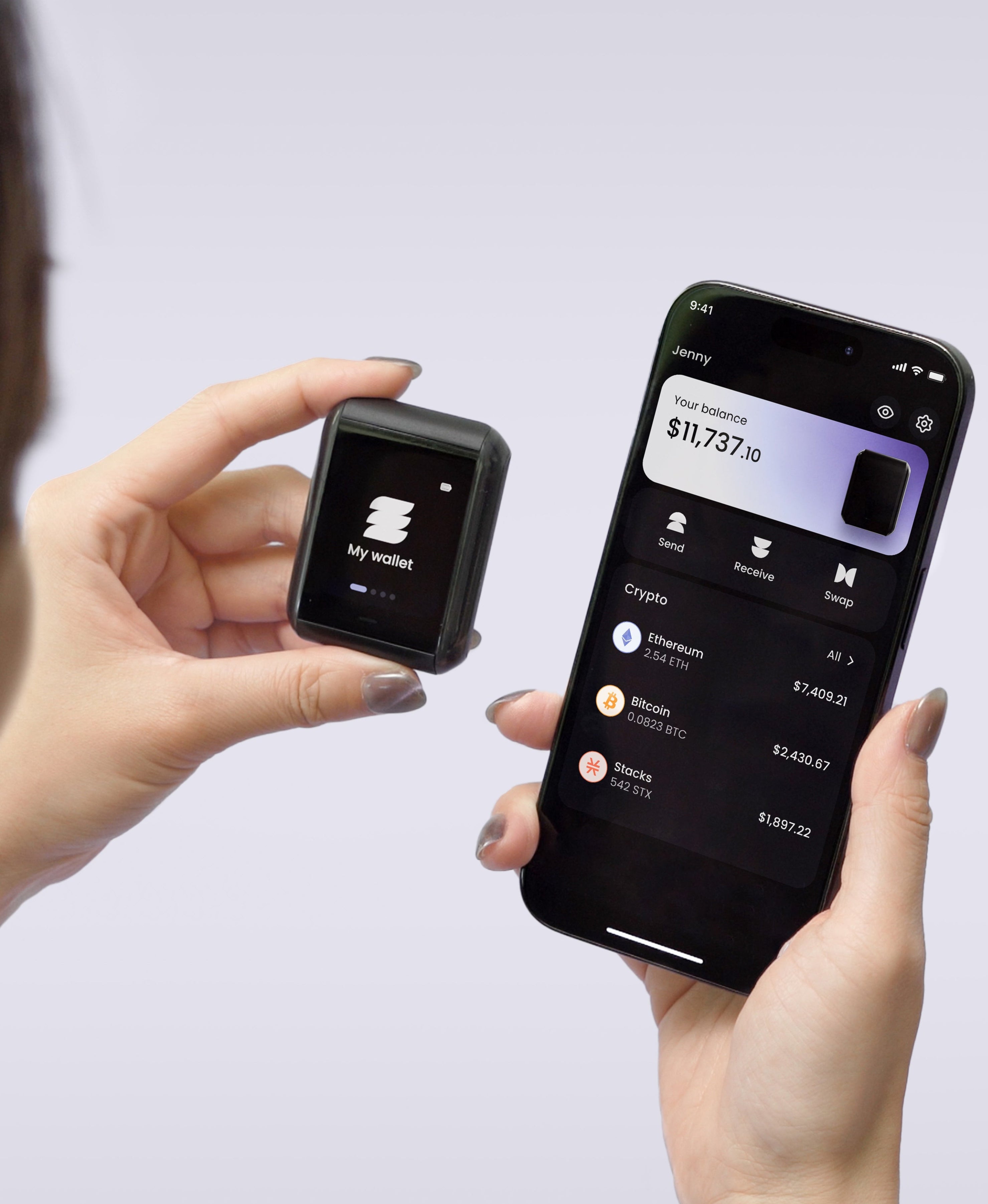
Rather than asking you to manage a 24-word phrase directly, TapSafe splits and encrypts your recovery into multiple Recovery Tags, physical NFC cards you can store in different locations. No single tag holds your full recovery, which takes away the single point of failure. You never need to type your phrase into any app or website to restore your wallet.
The attack that hit Ledger users this week relies entirely on getting someone to type their phrase somewhere. With TapSafe, that moment largely does not exist. There is no app prompt that can trick you into revealing something you were never asked to handle in the first place.
Your recovery phrase still exists under the hood as Ryder One is built on BIP-39, the same standard every major hardware wallet uses. What TapSafe does is abstract your phrase away from the moments when you are most vulnerable: setup, device replacement, and recovery. The phrase stays on the device. You never see it unless you choose to.
That is the design philosophy behind Ryder One. Not just strong security at the device level, but a recovery system built to reduce human error at the moments that matter most.
This is what we're building Ryder One for. We think about this problem constantly. Our thoughts are with everyone affected by this attack.
Stay safe. Verify everything. Trust no interface that asks for your recovery phrase.


Share: