

There's a real Coinbase Wallet that's self-custody, and there's a Coinbase account that isn't. They share branding, an interface family, and the company behind them. The custody models are completely different. Holders who don't know which one they're using often discover the difference the wrong way. This piece walks through the difference between Coinbase's custodial product and Coinbase Wallet (the self-custody app), how to tell which one you have, and what to do if you've been holding crypto in a place you thought was something else.
The two Coinbases
Coinbase as a company offers multiple products. The two that matter for the custody question are: Coinbase (the exchange): The product you use when you buy crypto on coinbase.com or in the main Coinbase app. Coinbase the company holds your crypto on your behalf, with your account balance representing a claim on those assets. This is a custodial product. The keys are not yours. Coinbase Wallet (the self-custody app): A separate product distributed as a standalone mobile app and browser extension. Coinbase Wallet generates a seed phrase, stores the private key locally on the user's device, and lets the user interact with DeFi protocols, NFTs, and other on-chain activity directly. This is a self-custody product. The keys are yours. The names are similar enough that the distinction gets lost in casual conversation. The custody models are not similar.
How to tell which one you have
Three quick checks. Open the app or website. If you logged in with email and password, and the interface shows you a balance in dollars with options to buy or sell, you're on the custodial Coinbase exchange. Check whether you were ever shown a seed phrase. The custodial exchange does not show you a seed phrase, because there isn't one for your account specifically. Coinbase Wallet (the self-custody app) generates a 12-word seed phrase when you first set it up and asks you to write it down. Look at the asset path. On the custodial exchange, you can withdraw to an external address. On Coinbase Wallet, your funds are already at an external address you control, so there's nothing to "withdraw" because the funds aren't being held for you.
Why the distinction matters
The two products have different failure modes. For the custodial exchange, the relevant risks are exchange-level: company solvency, regulatory actions affecting access, account freezes during disputes, and the long tail of incidents where exchanges have paused withdrawals or restricted accounts. Customer recovery in a bad scenario depends on bankruptcy proceedings or contractual remedies. For Coinbase Wallet, the relevant risks are user-level: phishing attempts that target the seed phrase, malicious DApp signatures that drain approvals, and lost devices without proper backup. There's no Coinbase customer support that can recover lost funds, because the company doesn't have access to the key in the first place. People sometimes try to use one model's protections against the other model's risks. A customer who lost funds in Coinbase Wallet through a phishing site sometimes assumes Coinbase the company will reimburse them. The company can't, because the funds were never in Coinbase's custody.
What to do if you discover you've been using the wrong one
For amounts above what you're comfortable having on an exchange, move to self-custody. Coinbase Wallet is a reasonable software wallet, though the keys still live on your phone or browser. For long-term holdings, a hardware wallet keeps the keys on a dedicated chip that doesn't connect to the internet. For amounts you're actively trading, the custodial exchange is fine for short holding periods. The risk math depends on duration. For seed phrases generated by Coinbase Wallet, treat them with the same care you'd give a hardware wallet's seed phrase. The phrase is the wallet, and anyone who has it can move the funds.
Where hardware wallets fit
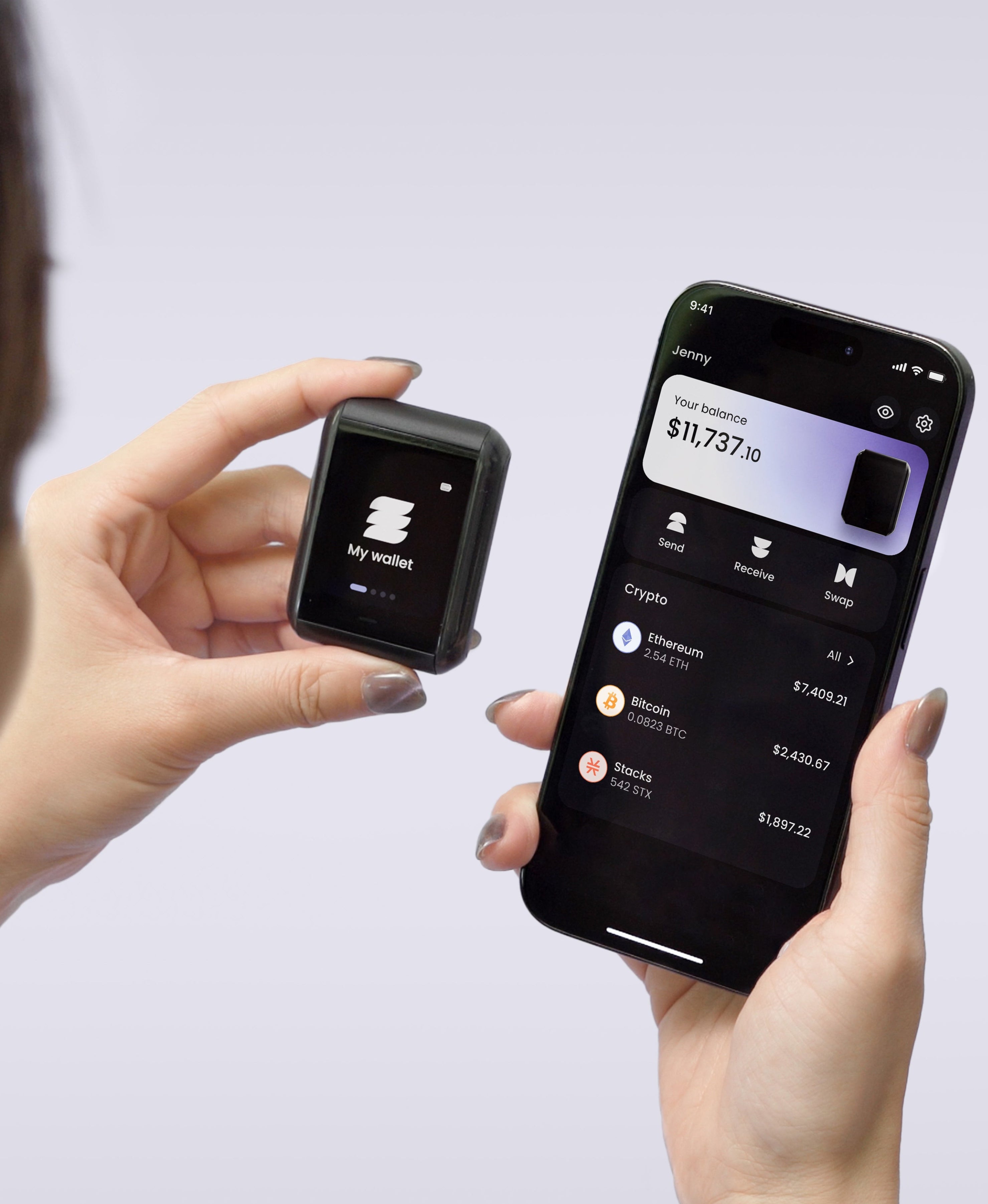
A hardware wallet like Ryder One operates a layer below Coinbase Wallet in the stack. The hardware wallet holds the private key on a dedicated chip, while the software wallet (which might be Coinbase Wallet, MetaMask, Phantom, or the Ryder app) handles transaction construction and displays balances. The hardware wallet signs the transaction with a physical button press. For users moving from the Coinbase exchange to self-custody, the hardware wallet is the structural upgrade over a software-only setup. Coinbase Wallet's seed phrase lives on a phone, and a hardware wallet's key lives on an EAL6+ secure element with on-device transaction verification.
The bottom line
Coinbase the exchange is custodial. Coinbase Wallet is self-custody. They share branding and a parent company, though the custody models are different in ways that matter when something goes wrong. If you've been holding a significant amount of crypto on either one, the next step is to confirm which one you're using and to decide whether that custody model matches what you wanted.
Self-custody runs deeper with a hardware wallet. Ryder One keeps your keys on an EAL6+ secure element, with on-device verification for every transaction and TapSafe Recovery as the backup. See how it works.



Share: