

Key Takeaways
Receiving crypto is straightforward — but always verify your address on the device screen before sharing it.
- Each asset has its own unique receive address — never use a Bitcoin address to receive Ethereum.
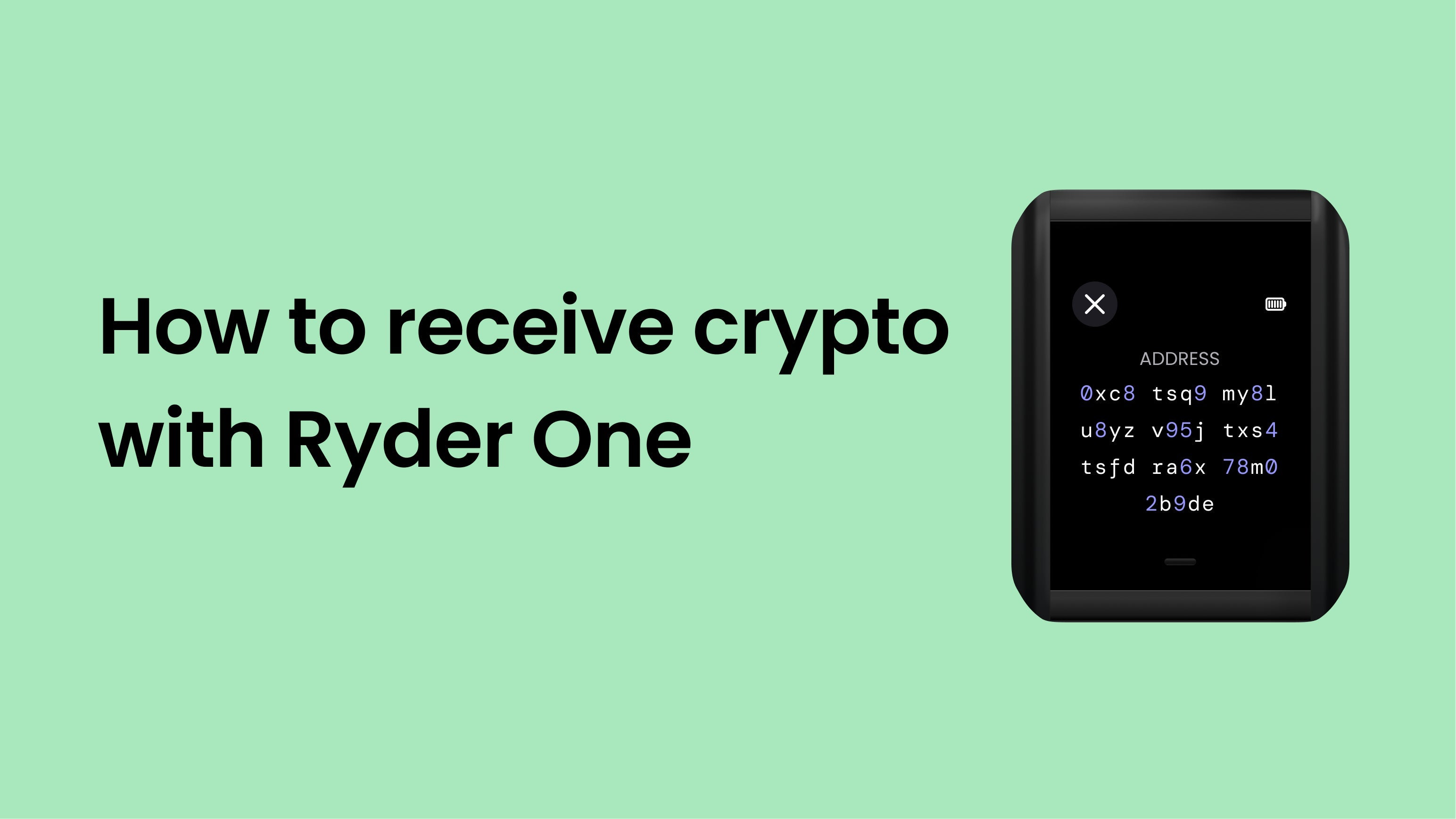
- Verify your address on the Ryder One screen before giving it to anyone. Your phone's display can be manipulated; your device screen cannot.
- Funds appear in the app once the transaction is confirmed on-chain. Confirmation time varies by network.
Step 1: Open the Ryder app
On the home screen, tap the asset you want to receive — for example, Bitcoin or Ethereum.
Step 2: Tap Receive
Tap [VERIFY: Receive]. Your receive address and QR code appear on screen.
Step 3: Verify the address on your Ryder One
Hold your phone against the back of your Ryder One. Your receive address will appear on the device screen. Confirm it matches what the app shows before sharing it with anyone.
Step 4: Share your address
Copy the address or show the QR code to the sender. Nothing else is required on your end — just wait for the transaction to arrive.
Step 5: Wait for confirmation
Once the transaction is broadcast, it appears in your app as pending. Confirmation time depends on the network — Bitcoin typically takes 10–60 minutes, Ethereum a few minutes.
Frequently asked questions
Can I reuse the same address?
Yes, your address stays valid. For privacy reasons, Bitcoin supports generating a fresh address for each transaction — the Ryder app handles this automatically if you prefer it.
My funds arrived on-chain but aren't showing in the app.
Pull to refresh on the home screen. If they still don't appear after a minute, check that the correct asset is enabled in your wallet.



Share:
How to back up your wallet with TapSafe
How to send crypto with Ryder One