

Key Takeaways
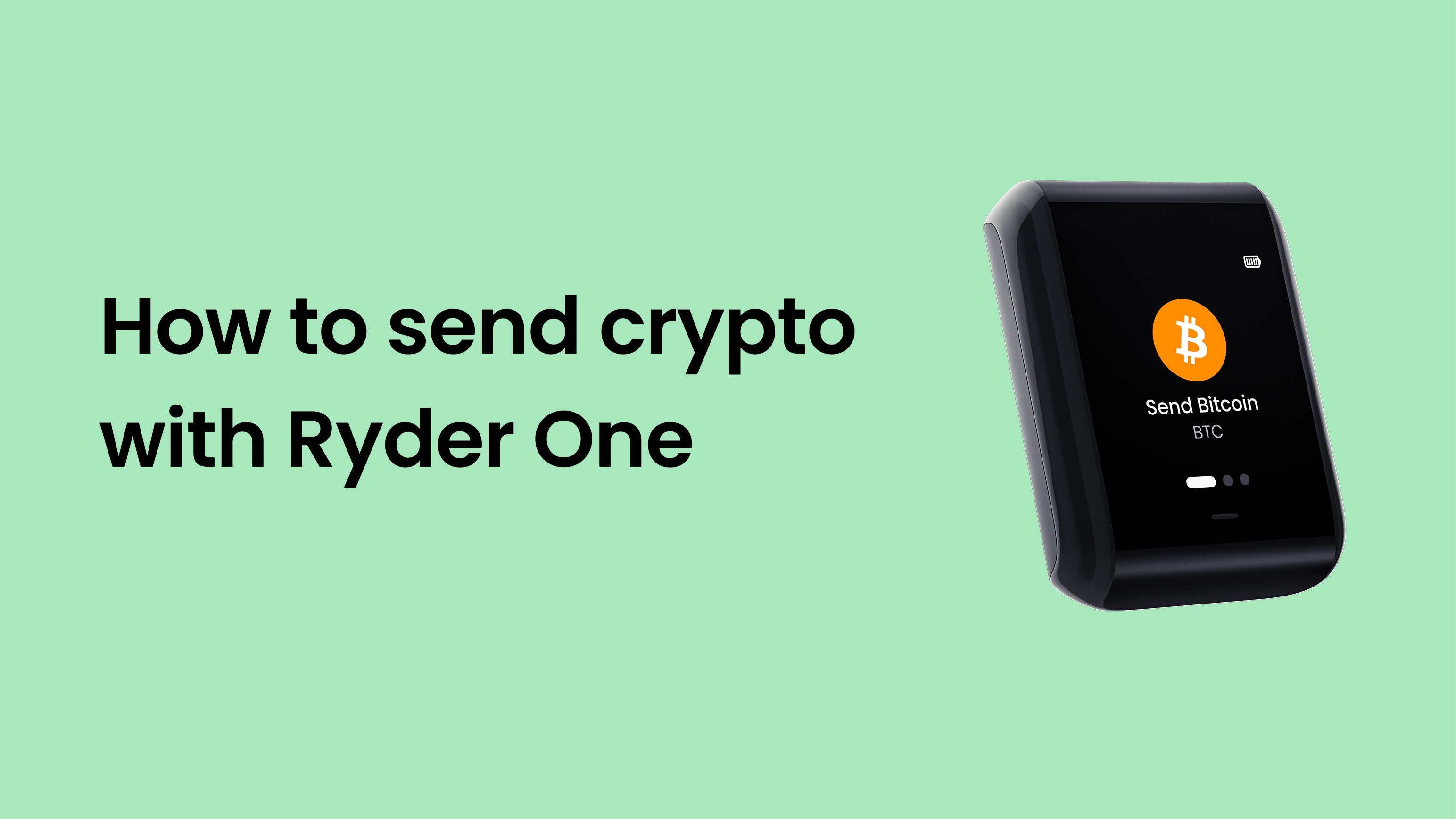
Every transaction on Ryder One requires your physical approval on the device — it cannot be signed remotely or silently.
- Your Ryder One screen shows the exact amount and recipient address before you approve. Check both carefully.
- Press the physical button to confirm. If anything looks wrong, reject on the device — not in the app.
- Once confirmed on-chain, a transaction cannot be reversed.
- Network fees are paid in the native coin of that blockchain — ETH for Ethereum transactions, BTC for Bitcoin.
Step 1: Open the Ryder app
On the home screen, tap the asset you want to send.
Step 2: Tap Send
Tap [VERIFY: Send]. Enter the recipient's address by pasting it or scanning their QR code.
Step 3: Enter the amount
Enter how much you want to send. The app shows the equivalent in your local currency and displays an estimated network fee. Review both before continuing.
Step 4: Tap your Ryder One to review the transaction
Hold your phone against the back of your Ryder One. The transaction details appear on the device screen — the recipient address and the exact amount you're sending. Read both carefully before proceeding.
Verify every character of the recipient address on the Ryder One screen. Malware on your phone can silently replace a copied address. The device screen shows you what you're actually signing.
Step 5: Press the physical button to approve
If everything looks correct, press the physical button on your Ryder One to approve the transaction. If anything looks wrong — wrong address, wrong amount — press [VERIFY: Reject] on the device to cancel safely.
Step 6: Transaction broadcast
The app broadcasts the signed transaction to the network. It will appear as pending in your transaction history until confirmed.
Frequently asked questions
I sent to the wrong address.
Blockchain transactions are irreversible. If the address belongs to an exchange, contact them immediately — they may be able to assist. Otherwise, the funds cannot be recovered. This is why verifying the address on your device screen before approving is so important.
My transaction is stuck as pending.
This usually means the network fee was too low during a congested period. Some networks allow fee bumping — check the transaction in the app for this option.
I don't have enough for the network fee.
You need to hold a small amount of the network's native coin to cover transaction fees — ETH for Ethereum, BTC for Bitcoin, SOL for Solana. This is a blockchain requirement, not a Ryder charge.


Share:
How to receive crypto with Ryder One
How to add extra Recovery Tags