

The expensive part of self-custody isn't the hardware. It's the inbox. Most successful attacks against careful crypto holders don't start with chip-level extraction or sophisticated malware. They start with an email. The email looks like it's from a service you use. It urges you to act. You click, sign, or enter something, and the rest is paperwork. This post is the field guide to that email. What it tends to look like, why the patterns work, and how to spot one before you act on it.
What a crypto phishing email is trying to do
Most of them want one of four things: - A signature on a malicious transaction or message - A wallet recovery phrase - Login credentials for an exchange or email account - A download of a compromised file (a fake firmware update, a fake desktop app) The specific ask varies. The shape of the message is consistent.
The patterns that show up
A few patterns appear in nearly every campaign worth knowing: Urgency. "Your account will be locked in 24 hours." "Suspicious activity detected." "Your funds will be moved unless you confirm." Urgency is the lever that gets people to skip the verification steps they'd normally do. A breach you've heard about. After Ledger's customer database leaked in 2020, phishing emails citing that breach kept arriving for years. After every major incident, attackers reuse the news as cover. A real-looking sender. Display names that match the brand, domains that look right at a glance, or email signatures lifted from real correspondence. The address is one character off, or the TLD is wrong, or it's a subdomain of a service the attacker controls. A plausible action. "Migrate to our new app." "Verify your seed phrase." "Confirm your firmware update." The action is something a real customer might do. The link or attachment is where the trap is. Personalization. Your name, your wallet model, sometimes your last few transactions if the attacker bought a leaked database. Personalization works on people who'd dismiss a generic email.
Specific tells you can learn
A short list of things that flag a message as phishing more often than not: - The sender domain doesn't exactly match the company's primary domain - The link target (when you hover) doesn't match the link text - The email asks for your seed phrase, recovery phrase, or private key. Real services never do. - The message includes a downloadable file claiming to be a firmware update - The message tells you to disable a security feature "to fix" something - The greeting is generic when the company normally uses your name, or vice versa - The message has the right tone but the wrong details (an outdated product name, a feature that doesn't exist) - The reply-to address differs from the sender address None of these on its own is proof. Two or three together is enough to delete and move on.
What to do when you're not sure
Four habits, ranked by how often they help: 1. Don't click links from emails about money. Open a new browser tab and navigate to the service yourself. Log in there. If the action is real, it'll be in your account. 2. Verify the sender via a known channel. A direct phone number or support page from the company's official site, not the one in the email. 3. Inspect headers if you're technical. SPF, DKIM, and DMARC results are in every modern email client's raw headers. Failures are common in phishing. 4. Slow down. Most phishing emails work because the reader was in a hurry. Five extra minutes is a cheap defense. You'll feel paranoid the first few times you do this. After a year, it's automatic and the noise drops.
What hardware doesn't fix
A hardware wallet can't stop you from entering your seed phrase into a phishing page that asks for it. It can't stop you from signing a malicious transaction whose summary you didn't read. The email layer is the layer where the user has to do the work. The hardware backs you up if you also pay attention.
The Ledger Connect Kit lesson
The 2023 Ledger Connect Kit incident wasn't an email-based phishing attack. It was a supply-chain attack on a JavaScript library. But the secondary wave of phishing it generated is worth noting: attackers used the news as cover to send fake "security update" emails to users who'd been worried by the incident. When a real event drives news, the next two weeks of inboxes will include phishing that references the news. "Reset your wallet" emails after a breach. "Verify firmware" emails after a vulnerability disclosure. Treating known events as a reason to be more skeptical, not less, is a useful habit.
Where Ryder One fits
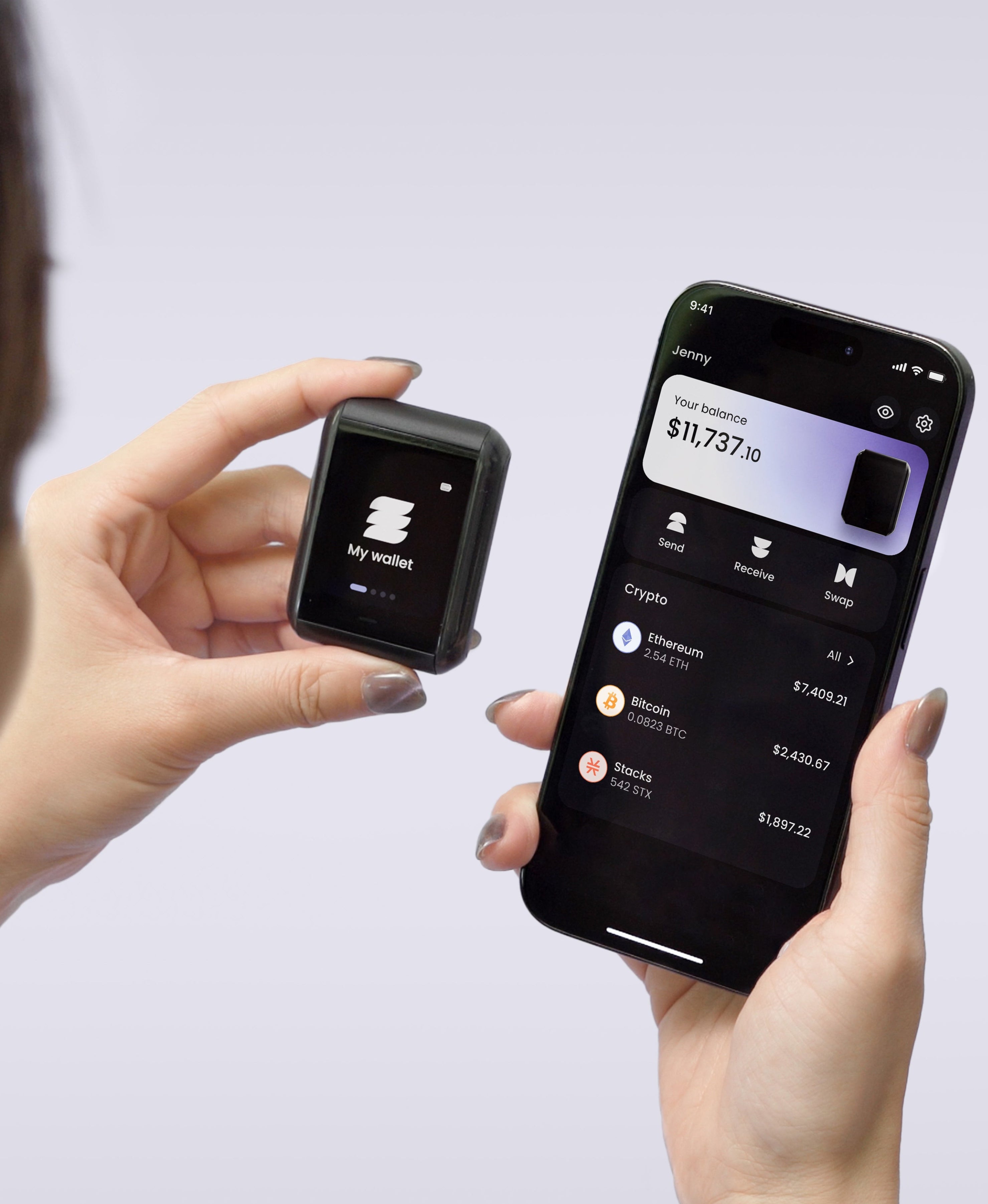
Ryder One is a hardware wallet built around the assumption that the user's screen and the wallet's screen are different things. The wallet's screen is the truth source. If a phishing flow asks you to confirm a transaction, the device shows what the transaction does, in plain language, before signing. That doesn't replace the inbox-side discipline. It does mean the email-to-loss path requires more than one mistake. And it doesn't prevent you from sharing your seed phrase. Only you can do that.
A short defensive checklist
A version you can run through quickly: - Have I verified the sender via a channel that didn't come from this email? - Have I navigated to the service myself instead of clicking the link? - Does any part of this message ask for my seed phrase or recovery material? - Does any part ask me to download a file? - Does the urgency feel calibrated to make me skip steps? A "yes" to any of those is a stop signal.
Bottom line
The inbox is where most crypto holders meet attackers. The defense isn't more hardware or more rules. It's a few habits that turn the patterns into noise. Once you can see the shape of a phishing email, you stop reading them carefully, and the cost of a mistake drops to near zero.



Share: