

Most security advice about hardware wallets assumes the worst case is losing the device. There's a stranger failure that the last few weeks have put in front of everyone: the device works, the words are written down safely, and the wallet was never secure to begin with because the randomness underneath it was weak. When that happens, no amount of careful storage helps you. You have to migrate to a new seed phrase, and you have to do it in an order that doesn't strand your coins halfway.
This is a walkthrough of that migration, written around the Coldcard advisory because it's the live example, though the steps apply to any wallet you have reason to distrust.
What happened, briefly
On 30 July 2026, Coinkite published a security advisory about seed generation on Coldcard devices. During a 2021 move to Bitcoin Core's libsecp256k1 library, seed generation began drawing from MicroPython's software random number generator instead of the dedicated hardware source, and the swap went unnoticed because both functions carried the same name.
The consequence is arithmetic. Coinkite's advisory states that affected Mk4, Mk5 and Q seeds hold "about 72 bits of entropy rather than the expected 128 bits," and for Mk2 and Mk3 the estimated search space dropped to roughly 40 bits, which is inside reach of an attacker with ordinary hardware and no access to your device at all. TRM Labs reported around 1,816 BTC drained from more than 5,200 addresses across four waves.
Are you affected
Check your model and firmware version against the advisory list:
- Mk2 and Mk3 running firmware 4.0.1 through 4.1.9
- Mk4 and Mk5 on standard firmware before 5.6.0, or Edge firmware before 6.6.0X
- Q on standard firmware before 1.5.0Q, or Edge firmware before 6.6.0QX
One exception is worth knowing. If you added dice rolls when you created the wallet, Coinkite says that "at least 50 fair and independent rolls" contributed 128 bits of entropy on their own, so those seeds aren't at risk. Rolls that were photographed, written down, or otherwise exposed don't count.
The sentence people keep missing sits in the same advisory: "Updating the firmware does not change or repair an existing seed." Patched firmware generates good seeds going forward. Anything created before the patch stays exactly as guessable as it was.
The migration, in the order that keeps your coins safe
The instinct under pressure is to move everything at once, and that's how people lose funds to a typo. Work through it in sequence instead.
1. Update the firmware first. A new seed generated on unpatched firmware inherits the same flaw, so confirm you're on the fixed version before you create anything.
2. Generate a completely new seed. Not a passphrase added to the old one, and not a derived account underneath it, because both still descend from the compromised root. It has to be a fresh seed.
3. Verify and back up the new seed before it holds anything. Do the check while the wallet is empty and mistakes are free.
4. Send a small test transaction. Move a token amount to the new wallet, confirm it arrives, then spend a fraction of it back out to prove you can sign with the new keys. Receiving proves nothing about your ability to spend.
5. Move the rest. Once signing is confirmed, transfer the remaining balance. Expect to pay fees, and expect the cost basis paperwork to be your problem later, since a transfer between wallets you control isn't a disposal but your accountant will still want the records.
6. Keep the old backup until you're finished. Coinkite's guidance is to hold it until the migration is complete and confirmed. Destroying it early turns a recoverable mistake into a loss.
7. Treat the old addresses as burned. Never receive to them again, and assume anything sent there later is gone.
The part this exposes about backups
Here's what the whole episode says about the standard model, and it's uncomfortable for everyone selling hardware wallets, ourselves included. A twelve-word phrase is a bearer secret whose safety rests on two assumptions: that the number behind it was generated well, and that the one object it's written on stays private and intact for decades. Coldcard owners discovered the first assumption had quietly failed years earlier, and there was no way to notice from the outside.
Storage advice doesn't address that. Paper degrades, so people move to stamped steel, which does survive a house fire and is the sensible next step. Your access still depends on a single item nobody else can be allowed to see, so the weak structure survives the upgrade.
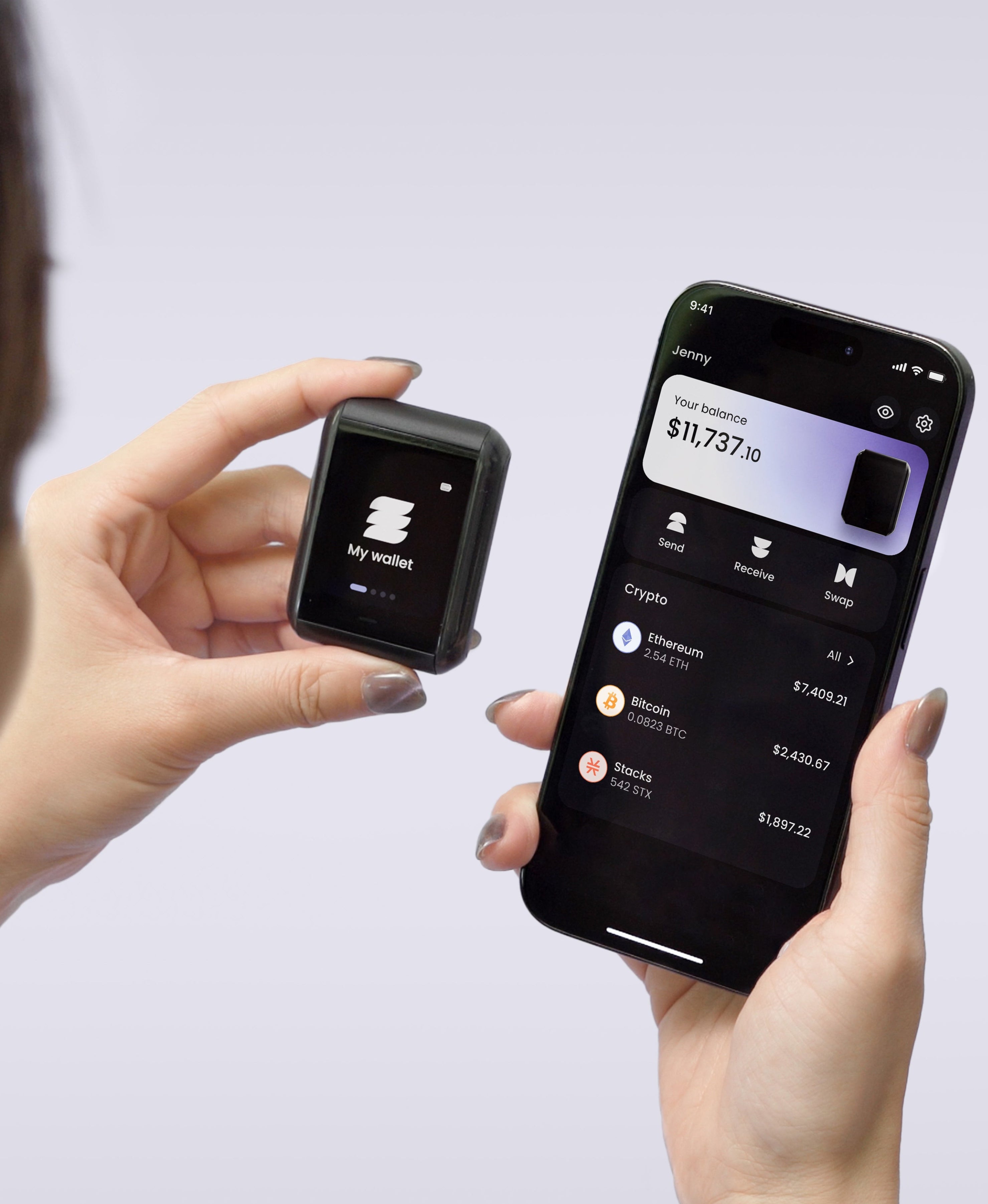
TapSafe Recovery is our answer to the second assumption. Backup gets split across a Recovery Tag holding 50%, your paired phone holding 50% encrypted into your own iCloud or Google Drive rather than on the handset, and optional Recovery Contacts holding 25% each who can see nothing about your wallet. No single object recovers anything alone, so no single object has to survive everything.
The first assumption is about where keys are born. On the Ryder One they're generated inside an EAL6+ certified Infineon SLC38 secure element and never leave the chip, and the firmware was independently audited by Halborn with the full report published for anyone to read. Auditing isn't a guarantee, and we won't pretend otherwise. It's the difference between a claim you can check and one you have to take on trust.
If you're migrating anyway
A forced migration is an unwelcome afternoon, and it's also the one moment when switching hardware costs you nothing extra. You're generating a new seed and moving every balance regardless, which is the entire effort of changing devices.
Whatever you land on, the checklist stays the same: patched firmware, a fresh seed, a test spend before the bulk transfer, and the old backup kept until the last confirmation clears. Do it in that order and the worst case is a wasted evening.
Migrating and want a backup with no single point of failure? Get your Ryder One.
Meta description: How to migrate to a new seed phrase after a wallet compromise: check affected firmware, generate a fresh seed, test-spend, move funds, and keep the old backup.


Share: