This site uses cookies for better user experience and analytics.
by Nisheta Sachdev
Are you using your Ryder to it’s full potential?
Are you using your Ryder to it’s full potential?
by Nisheta Sachdev
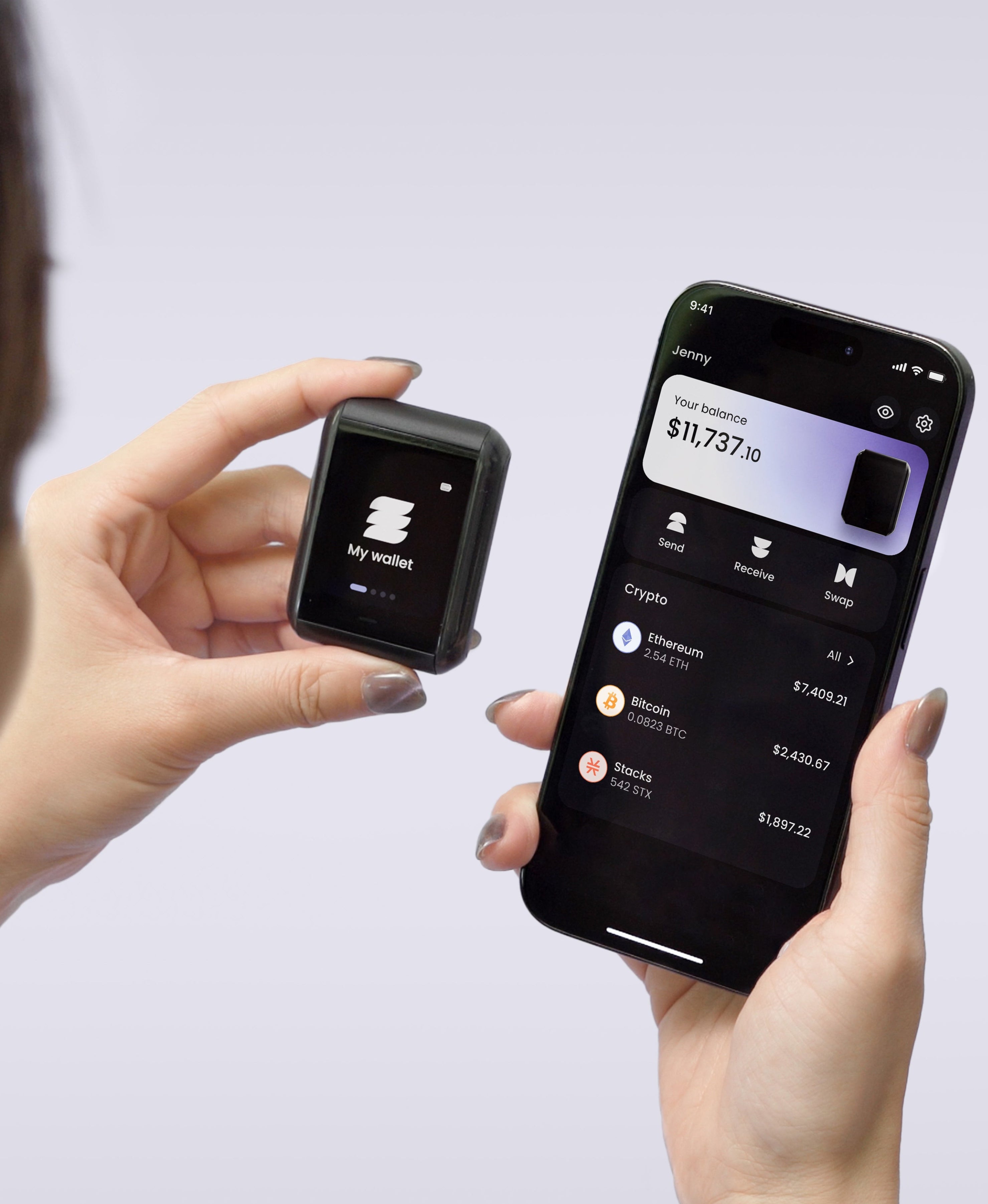
Hardware wallets are one of the most important tools in wealth management, yet they remain in a drawer or a safe for weeks at a time. We’re assuming you use Ryder One the same way.
You probably bought Ryder One because you wanted real control over your crypto. While most people set it up, tap to send a transaction, and stop there, there's a lot more this device can do.
Here's everything Ryder One is capable of and how to make sure you're using all of it.
Set Up Your Wallet in 60 Seconds
Getting started with Ryder One is faster than any other hardware wallet on the market. No cables, no desktop app, no 24-word seed phrase to write down on day one.
Open the Ryder App on your phone
Set a pin code on your Ryder One device
Tap your phone to Ryder One to pair
Tap your Recovery Tag to complete your backup
That's it. Your wallet is live and backed up in under a minute.
TapSafe Recovery: Build a Backup That Fits Your Life
The Recovery Tag in your box is just the starting point. TapSafe Recovery is designed to be layered. The more you set up, the more resilient your recovery becomes.
Recovery Tags
Create multiple Recovery Tags and store them in different places. One at home, one in a safe deposit box, one with a trusted person. If one is lost or damaged, the others still work. No single tag can recover your wallet on its own. It needs to combine with your phone or other recovery pieces.
Recovery Contacts
Assign trusted people a partner, parent, or close friend as Recovery Contacts via the Ryder App. Each contact holds an encrypted piece of your backup on their phone. No contact can access your wallet alone. But in combination with a tag or your phone, they become a safety net that travels with you.
Phone Backup
Your paired phone stores a backup piece automatically during set up. It counts as part of your recovery combination another layer that holds even if other pieces are unavailable.
Your Seed Phrase
If you ever want it, your seed phrase is always available on-device in the app settings. You can also import an existing seed phrase from another wallet, meaning migrating from a Ledger or Trezor to Ryder One takes minutes, not days.
If you've only set up one Recovery Tag, open the Ryder App and add another. It's the single most impactful thing you can do after the initial setup.
Send, Receive, and Verify Every Transaction
Ryder One's two-tap confirmation flow is one of its most underrated security features. Every transaction requires:
Reviewing the full details in the Ryder App
Physically tapping Ryder One to approve
Tapping again to finalize
This isn't friction, it's protection through redundancy. It means even if your phone is compromised, no transaction goes through without physical confirmation on the device. Verify the recipient address and amount on the device screen every single time. That habit protects you from blind signing and scams.
Swap Across Chains with Ryder Swap
Ryder One isn't just for hodling your assets. Powered by Swaps.xyz, Ryder Swap lets you swap crypto across different blockchains directly from the Ryder App, no exchange, no withdrawal wait, no extra steps. Every swap is confirmed on-device, so your keys never leave your hardware.
Buy Crypto Directly with MoonPay
You can onramp directly into your self-custodied wallet via MoonPay, built into the Ryder App. Buy crypto with a card or bank transfer and have it land straight in your wallet. No exchange middleman, no sitting exposed on a centralised platform while you wait to withdraw.
Staking: Coming Soon
Staking support is on its way to Ryder One. Soon you'll be able to earn rewards on your crypto without moving it off your hardware wallet. This update is one of the most requested features!
Keep Your Device Updated
Security isn't a one-time setup. Check for Ryder One OS updates monthly and always update before any significant travel or large transactions. You can find the update guide at ryder.id/pages/how-to-update.
The Full Picture
Ryder One was built for real life: lost phones, damaged tags, forgotten steps, life changes. Every feature is a layer that holds even when something else fails. If you've only been holding, you've seen maybe 15% of what's in your hands.
Your keys. Your control. All of it.
Have a question, a feature request, or just want to see how other Ryder users are setting up their recovery? The community is active and the team is there.


Share: