

Key Takeaways
Setup takes under 5 minutes from unboxing to your first receive address — no writing, no cables, no desktop software required.
- You never write down a seed phrase. TapSafe handles your backup automatically during setup.
- Your wallet is backed up before you finish setup — tap your Recovery Tag on your Ryder One and you're protected.
- The Ryder app is available on iOS and Android. Download it before you begin.
- Everything you need is in the box: Ryder One, Recovery Tag, and wireless charger.
What you'll need
Your Ryder One device, the Recovery Tag included in the box, and your phone with the Ryder app installed. Download the app from the App Store or Google Play before you begin.
Step 1: Power on your Ryder One
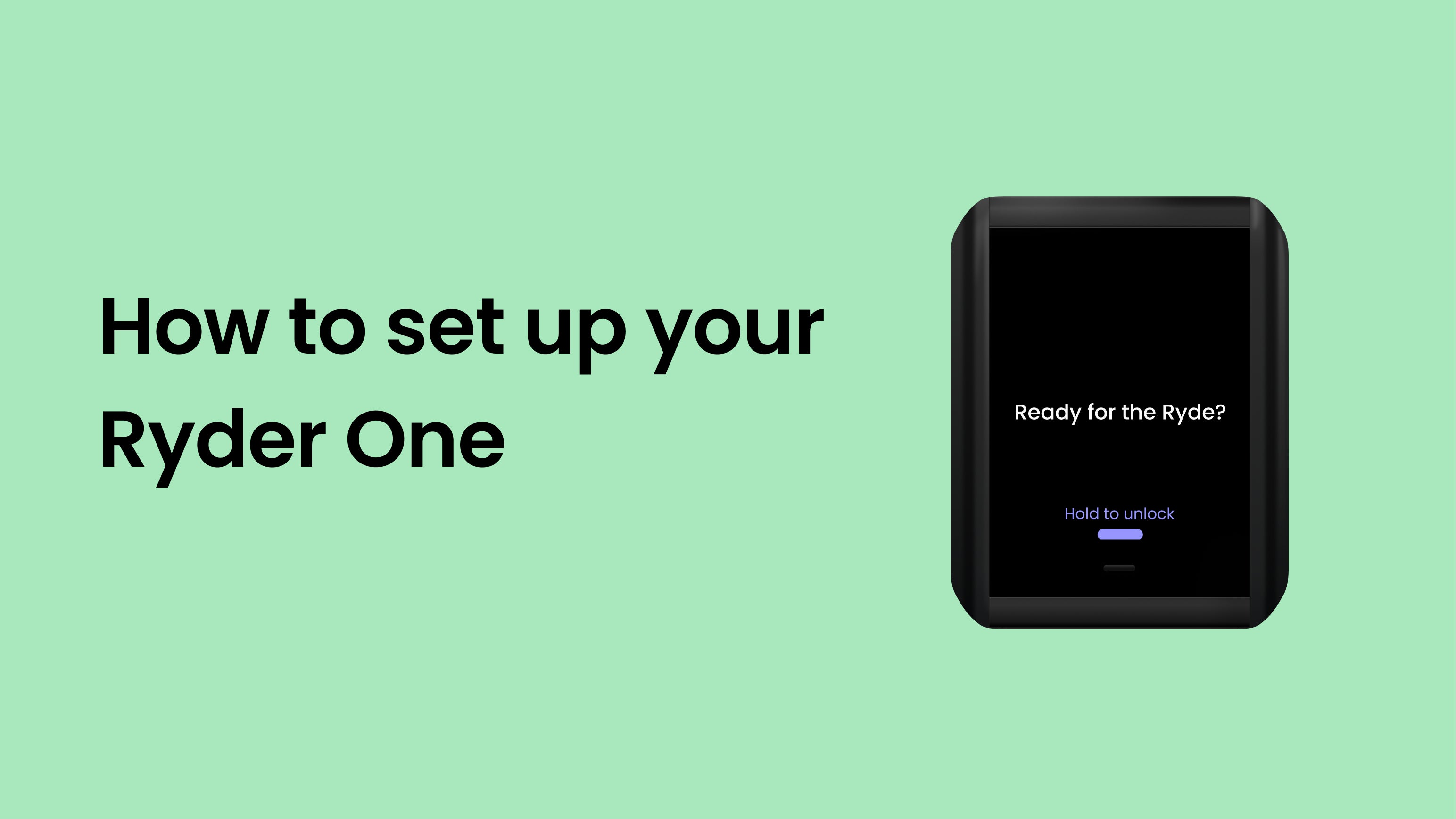
Press the physical button on your Ryder One to turn it on. You'll see the Ryder logo, followed by a setup screen.
Step 2: Open the Ryder app
Open the Ryder app on your phone and tap [VERIFY: Set up new device]. The app will guide you through the rest of the process.
Step 3: Pair your phone with your Ryder One
Hold the back of your phone against the back of your Ryder One. Your phone and device communicate via NFC — no Bluetooth or Wi-Fi required. The app confirms when the connection is established.
Step 4: Create your PIN
Choose a PIN on your Ryder One using the touchscreen. You'll be asked to confirm it once. This PIN protects physical access to your device.
Ryder support will never ask for your PIN. Don't share it with anyone.
Step 5: Back up your wallet with TapSafe
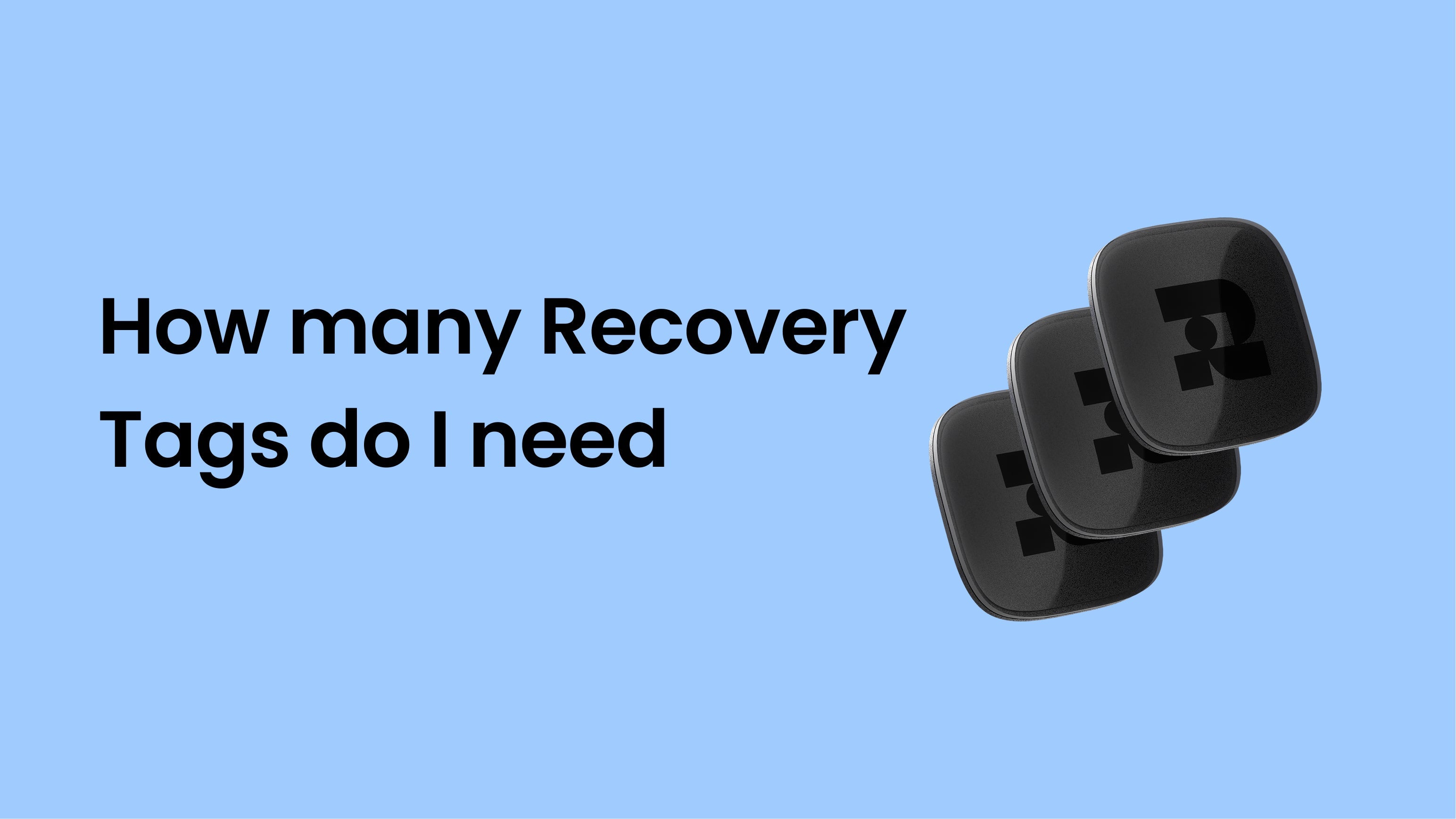
The app will prompt you to back up your wallet. Hold your Recovery Tag against the back of your Ryder One when prompted. This stores an encrypted piece of your wallet backup on the tag — it takes about 10 seconds.
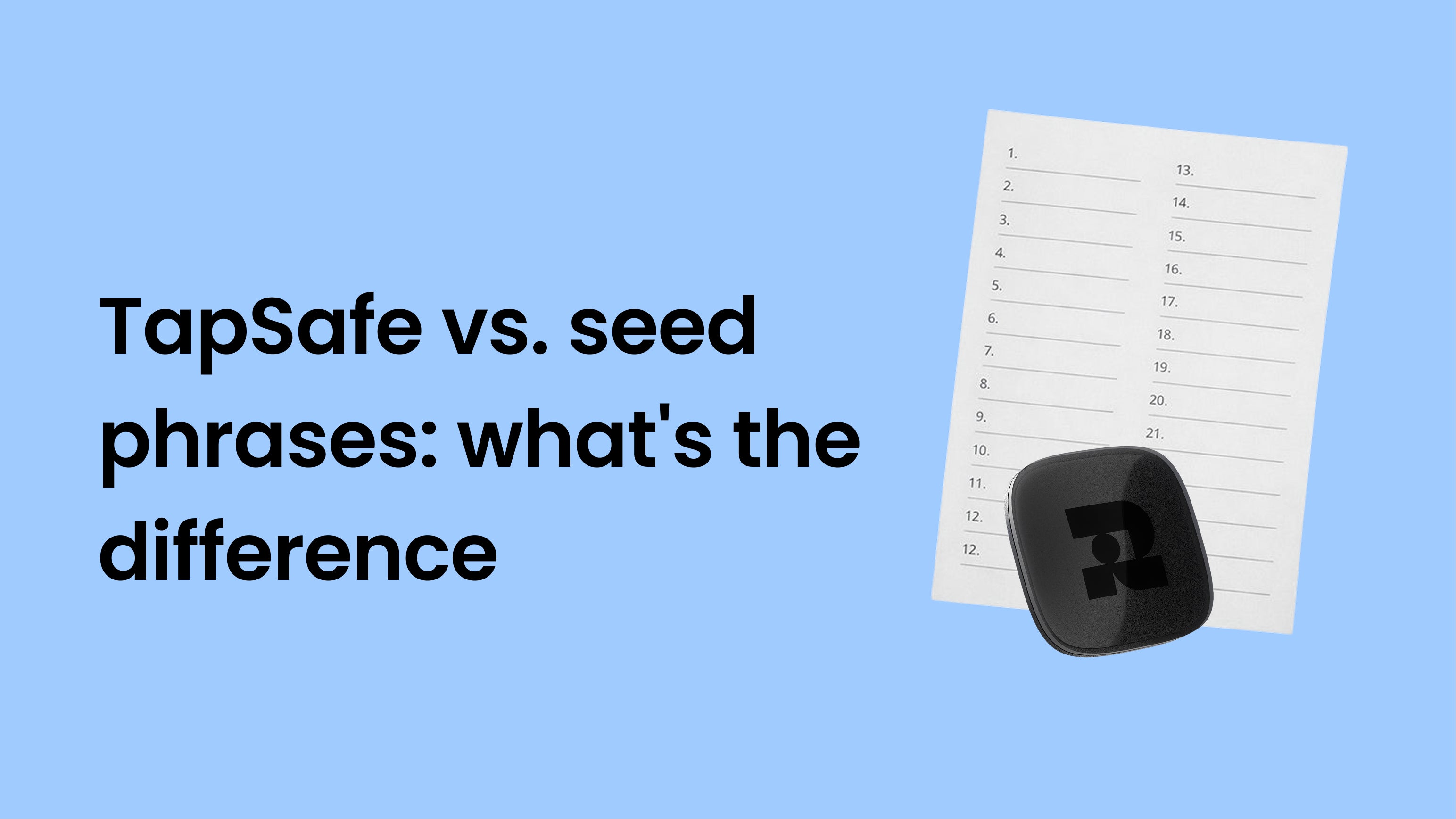
Your phone automatically stores the second encrypted piece in your iCloud or Google Drive. Together, these two pieces give you everything needed to recover your wallet if you ever lose your device.
Step 6: You're ready
Your wallet is set up and backed up. Head to the home screen of the Ryder app to see your wallet address and start receiving crypto.



Share:
How to back up your wallet with TapSafe