

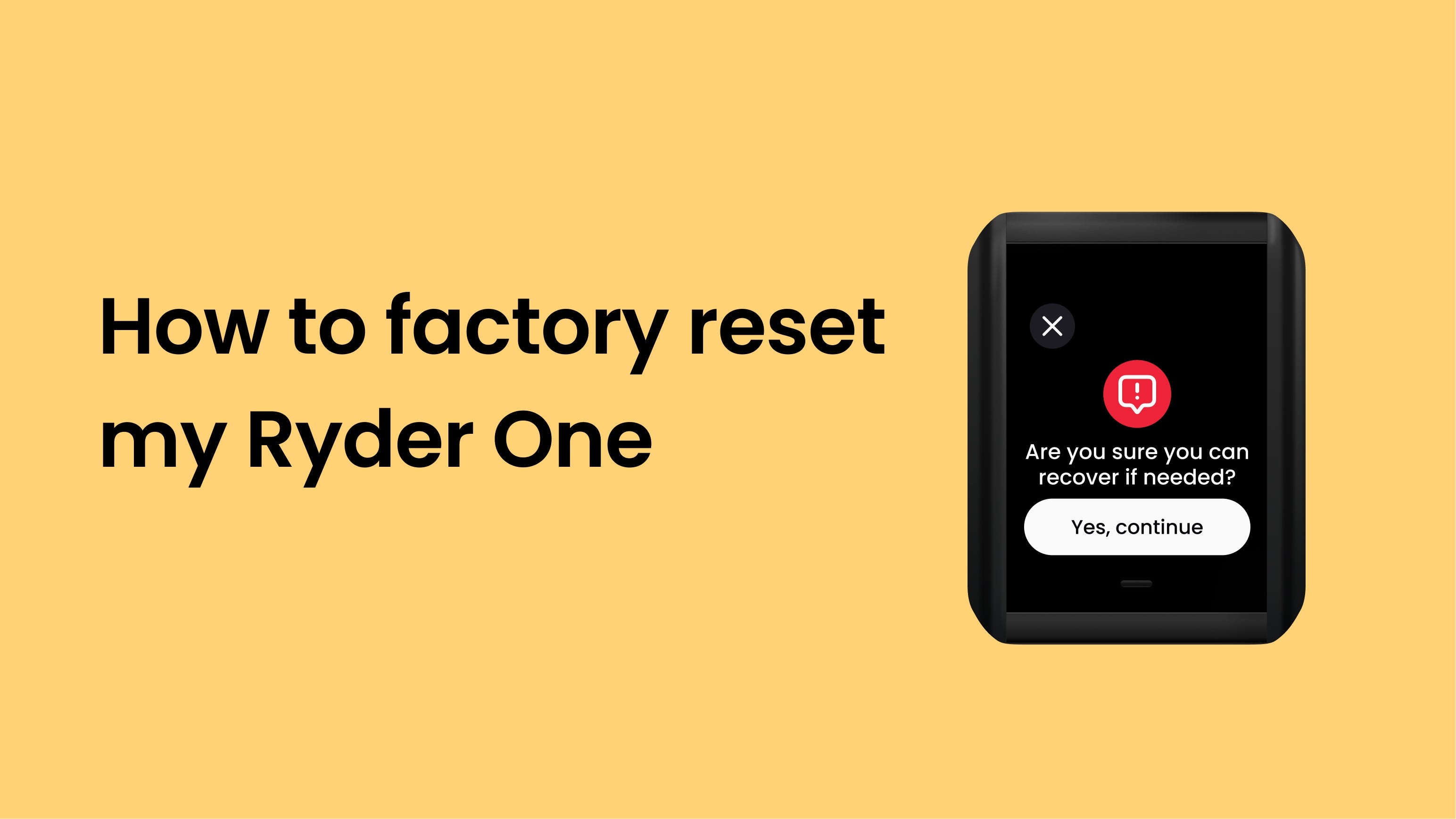
A factory reset wipes your Ryder One completely — your PIN, wallet, and all device settings. Only do this if you have your Recovery Tag and paired phone accessible. With those in hand, resetting is safe: you can restore your wallet to the same device or to a new one.
When to factory reset
There are a few legitimate reasons to reset:
- You've forgotten your PIN and need to start fresh.
- You're selling or giving away your Ryder One.
- You want to set up a new wallet from scratch.
- Ryder support has asked you to reset as part of troubleshooting.
If none of these apply, you probably don't need to reset. Reach out to support first if you're unsure.
Before you start
Make sure you have:
- At least one Recovery Tag
- Access to the cloud account (iCloud or Google Drive) where your phone backup is stored
- The Ryder app installed on your phone
Without these, you won't be able to restore your wallet after the reset.
How to reset
- Unlock your Ryder One.
- Go to Settings → Erase Ryder One.
- Confirm the reset on your Ryder One when prompted on the touchscreen.
- Wait for the device to complete the wipe.
Once finished, your Ryder One will restart and show the initial setup screen.
What's next
- To recover your existing wallet, follow How to recover your wallet on a new Ryder One.
- To set up a new wallet, follow How to set up your Ryder One.



Share:
I forgot my passcode
How to update my firmware